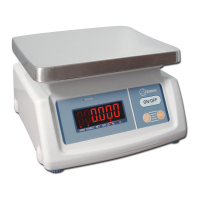
Model DIM User’s Guide
ESFRENG
11
03. oPeration
3.1. Zero tHe disPlaY
You can press the
3.2. taring
Zero the scale by pressing the
Press the
The “NET” indicator will be on. As product is added only the weight of the product will be shown.
key was last pressed.
3.3. weigHing unit sHift
Press key and
mark turn on (kg or g).
04. Parameters and calibration
4.1. enter setting mode
“F1 CAL”.
4.2. calibrate
key, display shows “UNLD”, empty the
key again, display shows the calibrate weight, you can press
4.3. cHange caPacitY
press the
Key to enter, press the key to enter, press
sure.
4.4. set resolution
key display shows “F2 RES “ press the
key to enter, press the
4.5. cHecK internal counts
key select , display shows “F4 INP”, press key
to enter, display shows internal counts, press
4.6. set auto Power off time
OFF), press the


 To Next Page