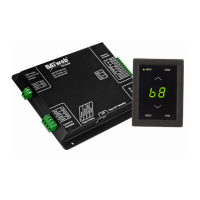
C) The BAYweb Thermostat does not require any configuration or programming of your
networking equipment. You do not need to change security settings. Just plug it in and
you are all set to go.
D) In less than a minute the “Uplink” light should illuminate on the control module. If it
does, your thermostat is on line and ready to go. Go to the Operation section below. If
you do not see “Uplink” light up within a couple of minutes, refer to the Troubleshooting
section of this manual.
Operation
Using the Thermostat Keypad
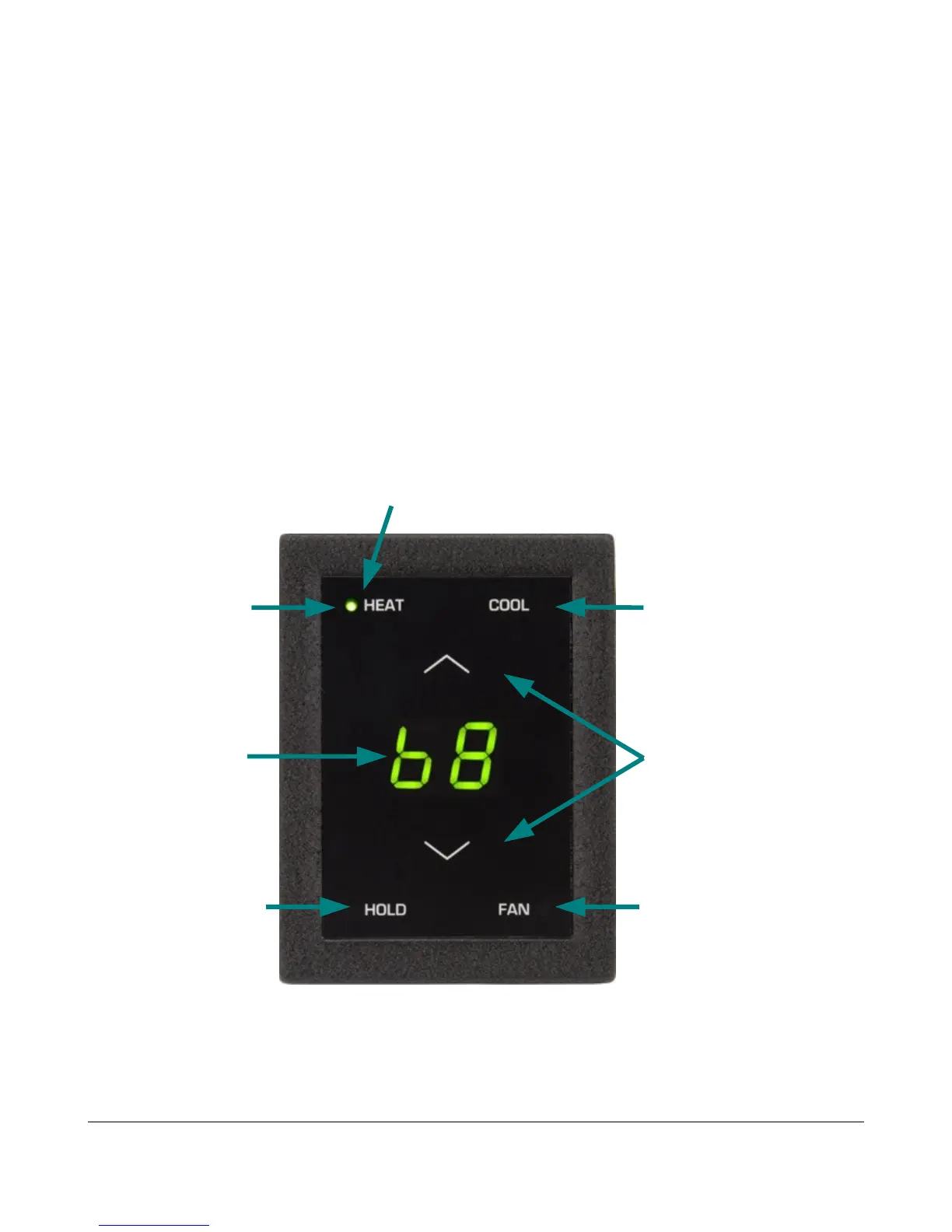
The Thermostat Keypad shows the current temperature, set point and modes, and allows you
to manually control your furnace and air conditioner.
14
Indicators show
Indicators show
which modes are
which modes are
selected
selected
Press once to show
Press once to show
the current set point.
the current set point.
Press again to
Press again to
change.
change.
Press to select
Press to select
HEAT mode. If
HEAT mode. If
selected, press
selected, press
again to turn OFF.
again to turn OFF.
Press to change
Press to change
HOLD mode. If
HOLD mode. If
selected the
selected the
current set point
current set point
will be used
will be used
regardless of
regardless of
schedule.
schedule.
Current
Current
Temperature
Temperature
Press to select
Press to select
COOL mode. If
COOL mode. If
selected, press
selected, press
again to turn OFF.
again to turn OFF.
Press to change
Press to change
the FAN mode
the FAN mode
between AUTO
between AUTO
and ON.
and ON.


 To Next Page