UPDATED LAST: March 2019
WWW.BBKPERFORMANCE.COM
BBK PERFORMANCE LLC
3060 Performance Circle
Deland, FL 32724
For any questions, email us:
TECH@BBKPERFORMANCE.COM
IMPORTANT: All appropriate safety equipment and gear must be used during the installation of this or any BBK Performance products or any time you work on a vehicle.
BBK Performance accepts no responsibility for injuries or damage caused by or during the installation of this product.
MADE IN U.S.A.
FOLLOW THESE INSTRUCTIONS CAREFULLY TO ENSURE CORRECT FITMENT AND OPERATION
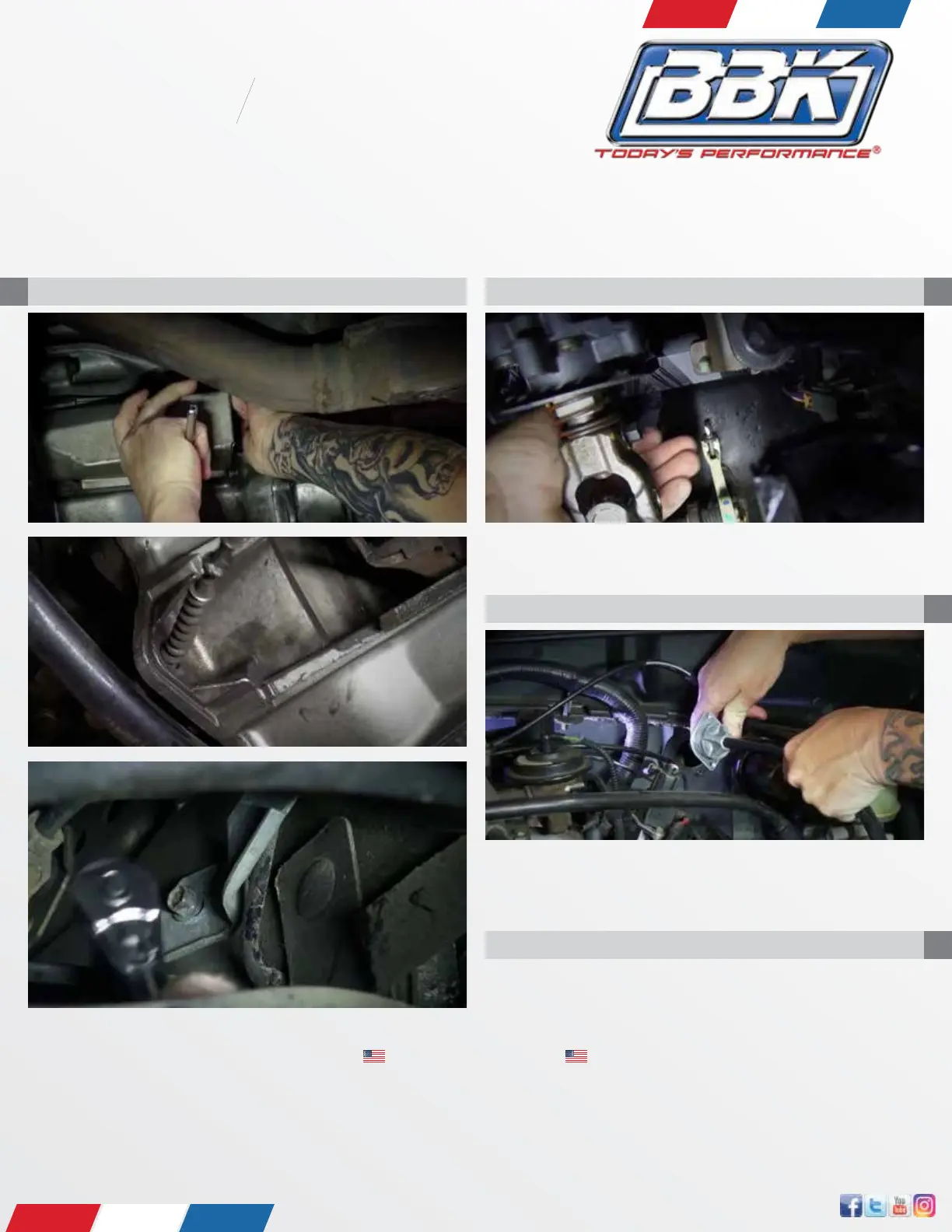
STEP 1
Working from under the vehicle, remove clutch cable from the clutch fork.
STEP 2
Working from under the dashboard, remove the clutch cable from the quad-
rant assembly.
STEP 3
Working from under the hood, remove the sheetmetal screw attaching the
clutch cable housing to the rewall. Once removed, simply pull the housing
and exposed cable from the opening in the rewall.
STEP 4
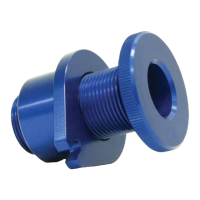
Remove the large, black rubber isolator from the clutch cable housing end
where it was attached to the rewall, then slide the knurled portion of the
adjuster over the cable, onto the opening in the rewall.


 To Next Page