3
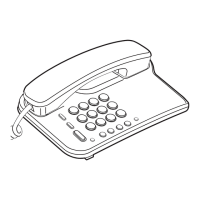
FLASH Button
Pressing the FLASH button equals to hanging up and recalling it up again.
TONE Button
If the Pulse / Tone switch on the telephone is set to Pulse position but you want to make a tone dialing, lift the
handset and press the TONE button once, then the dialing mode will switch to Tone Dialing automatically.
The telephone will turn back to Pulse Dialing mode after you hanging up the handset.
MUTE Button
Pressing and holding the MUTE button prevent the other party on the telephone line to hear your voice (In the
condition that you are going to speak to the third party around you but not willing to let the other party of the
telephone line hear your conversation). After release it, the conversation turn back normal.
VOLUME Button
If the other party's voice is too soft, you can press VOLUME button firmly to increase and decrease.
R Button
Pressing the R button allows you to use special features of your host PBX such as transferring an extension call.
This function is valid only when you have applied for this function by your local phone company.


 To Next Page