BBPOS Chipper OTA v1.5
CONFIDENTIAL
BBPOS Limited © 2021
Page 12 of 18
Windows and Mac Version:
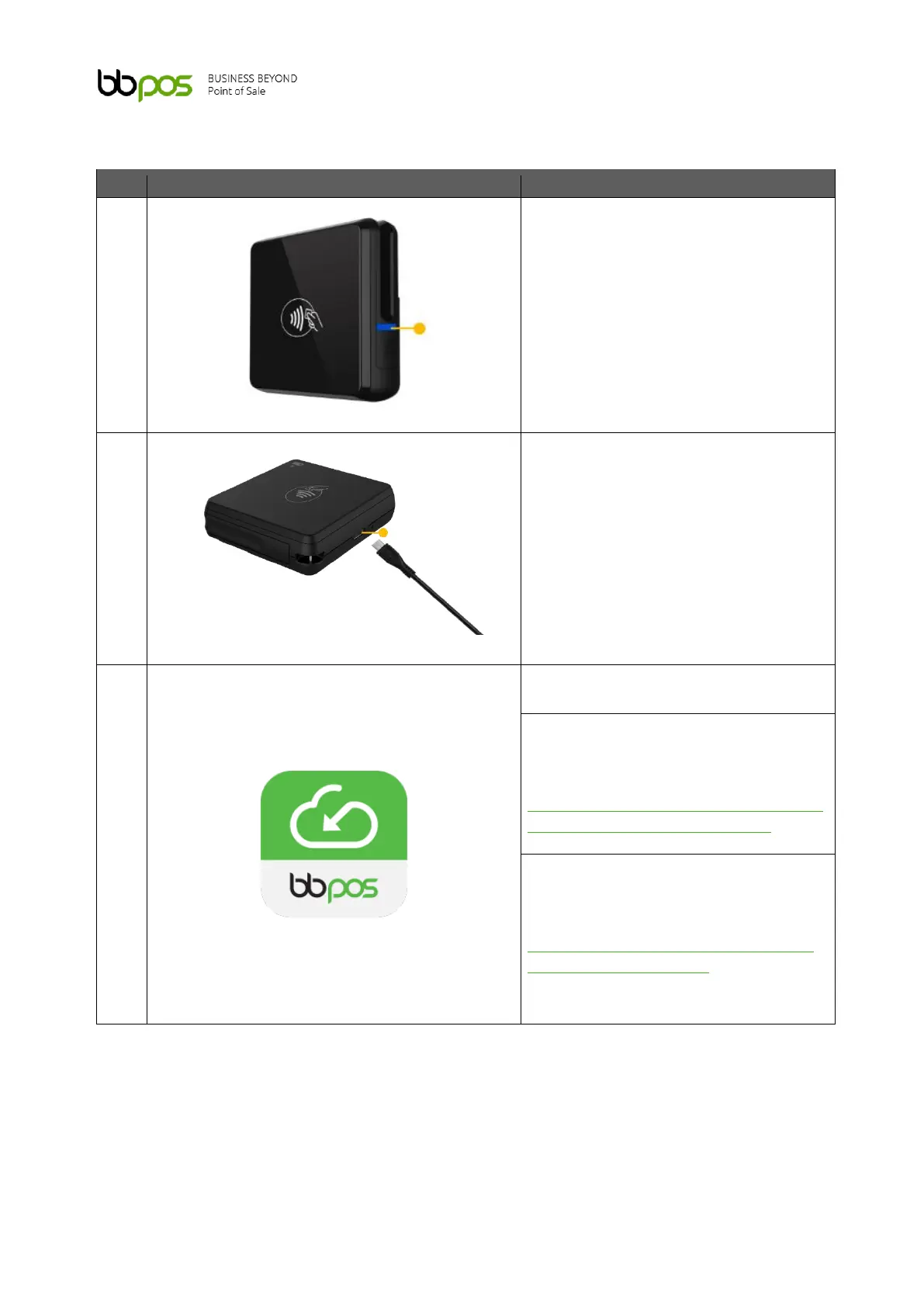
Turn on the device to be updated.
Ensure that your Chipper is powered on
with network connectivity.
Connect Chipper with a USB cable.
Download the Chipper OTA.
Windows version: Click the link below
to download the Chipper OTA.
URL:
https://developer.bbpos.com/app/chip
per-ota-app/chipper-ota-app.exe
Mac version: Click the link below to
download the Chipper OTA.
URL:
https://apps.apple.com/ app/chipper-
ota/id1589744317?l=en



 To Next Page