BBPOS Chipper OTA v1.5
CONFIDENTIAL
BBPOS Limited © 2021
Page 16 of 18
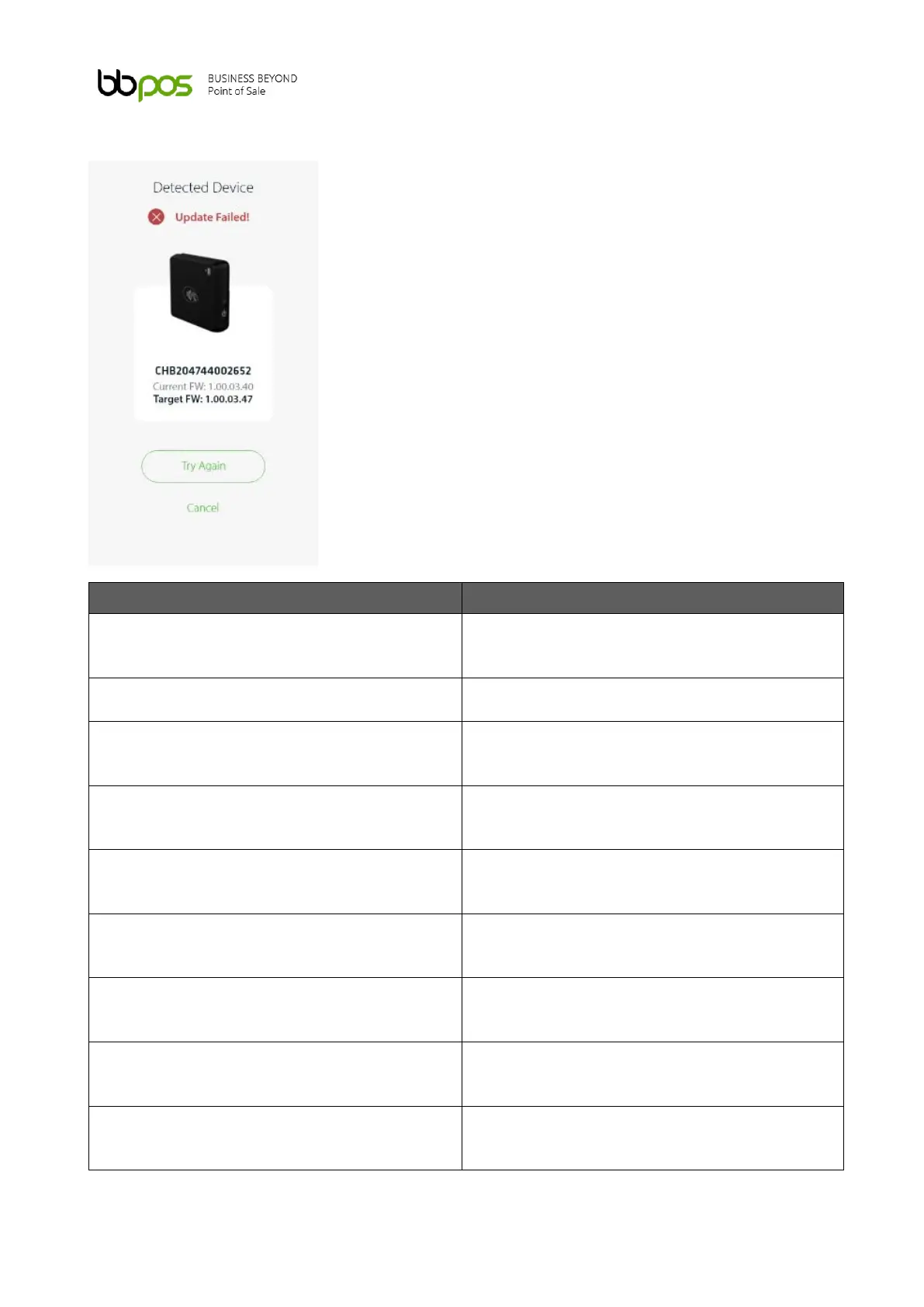
4. Error Messages
Device disconnect BT before update finish.
Place the device close to the mobile phone.
Reset the device and try again
Reset the device and try again
Device cannot re-connect after 5 min scanning.
Run the OTA again and check the firmware is
updated or not.
Bluetooth (error code - 3029).
Place the device close to the mobile phone.
Reset the device and try again
Bluetooth (error code - 30XX).
Place the device close to the mobile phone.
Reset the device and try again
BT connection timeout (01).
Place the device close to the mobile phone.
Reset the device and try again
BT connection timeout (02).
Place the device close to the mobile phone.
Reset the device and try again
Device fails to update - 1. not update to target
FW version
Use the latest Chipper OTA app and try again
Bluetooth 2.0 Disconnected.
Place the device close to the mobile phone.
Reset the device and try again



 To Next Page