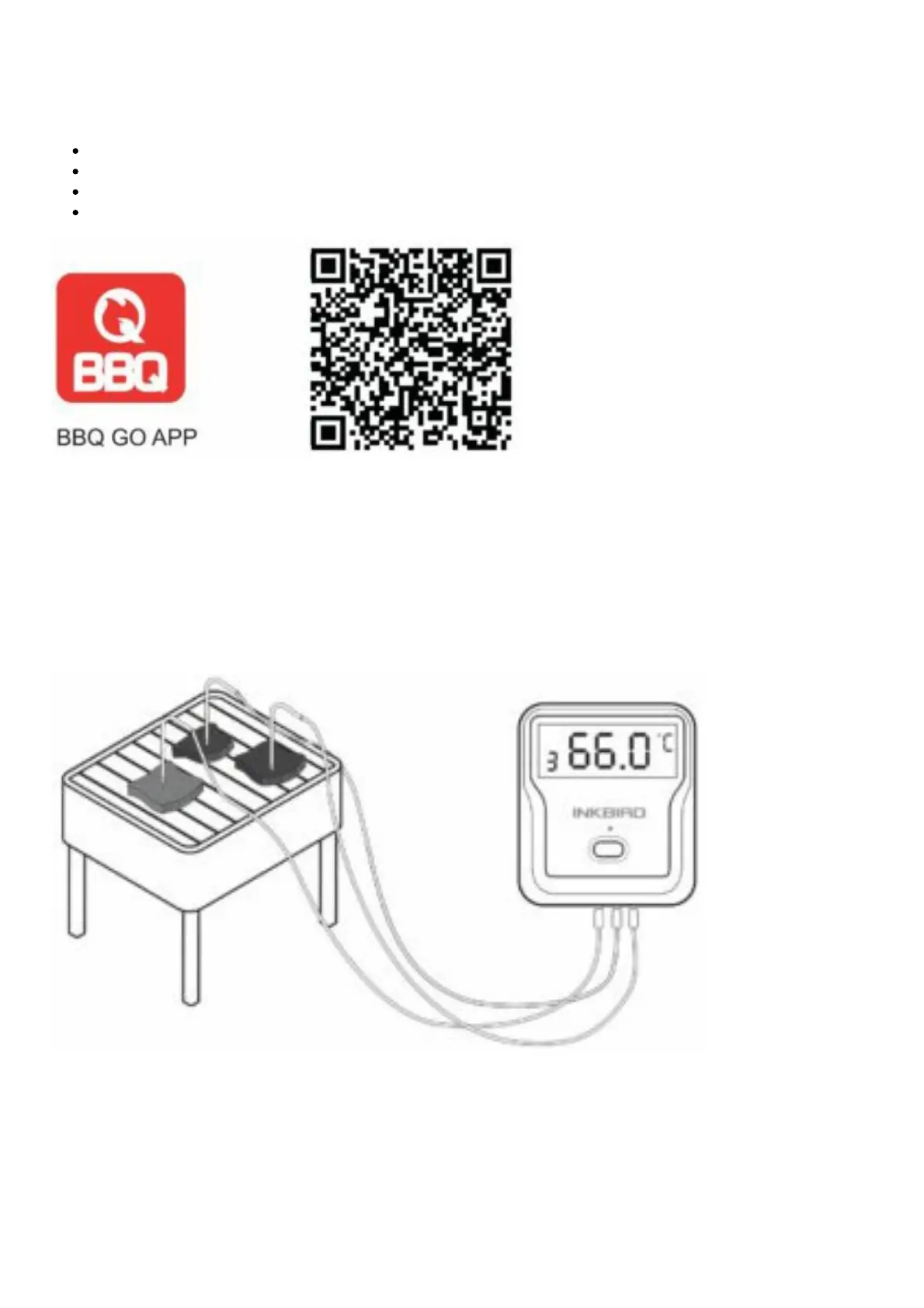
Download the APP
Search the keyword “bbq go” in Appstore or Google Play, or scan the following QR code with your
phone. Download and install it for free.
Make sure your phone meet the requirements:
iPhone 4S, and later models;
iPod touch 5th, ipad 3rd generations and later models, all ipad mini;
Android devices running version 4.4 or later, with blue-tooth 4.0 module.
Install the Probes
The device will keep scanning the sockets when its power is switched on, the Probe Indicators will blink
one by one from 1 to 4 where probes are plugged in.
Then insert the probes into the food, make sure the front tip of the probe is in the center of the food to
get accurate temperature.
Pair With Your Phone



 To Next Page