Pg. 5
CONTROL PANEL FUNCTIONS
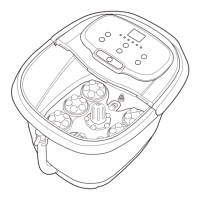
1. Place machine on level surface. Ensure that the massager is unplugged before filling
with water.
2. Add clean water directly to the basin. Make sure you do not go beyond the max
water line.
3. Plug the machine in and turn it on. Set the water temperature and wait until the water
reaches your desired temperature. Use the shower function to test the water temperature.
4. Sit down on a chair or a similar sturdy surface and place your feet in the basin.
5. Select your foot bath or massage settings.
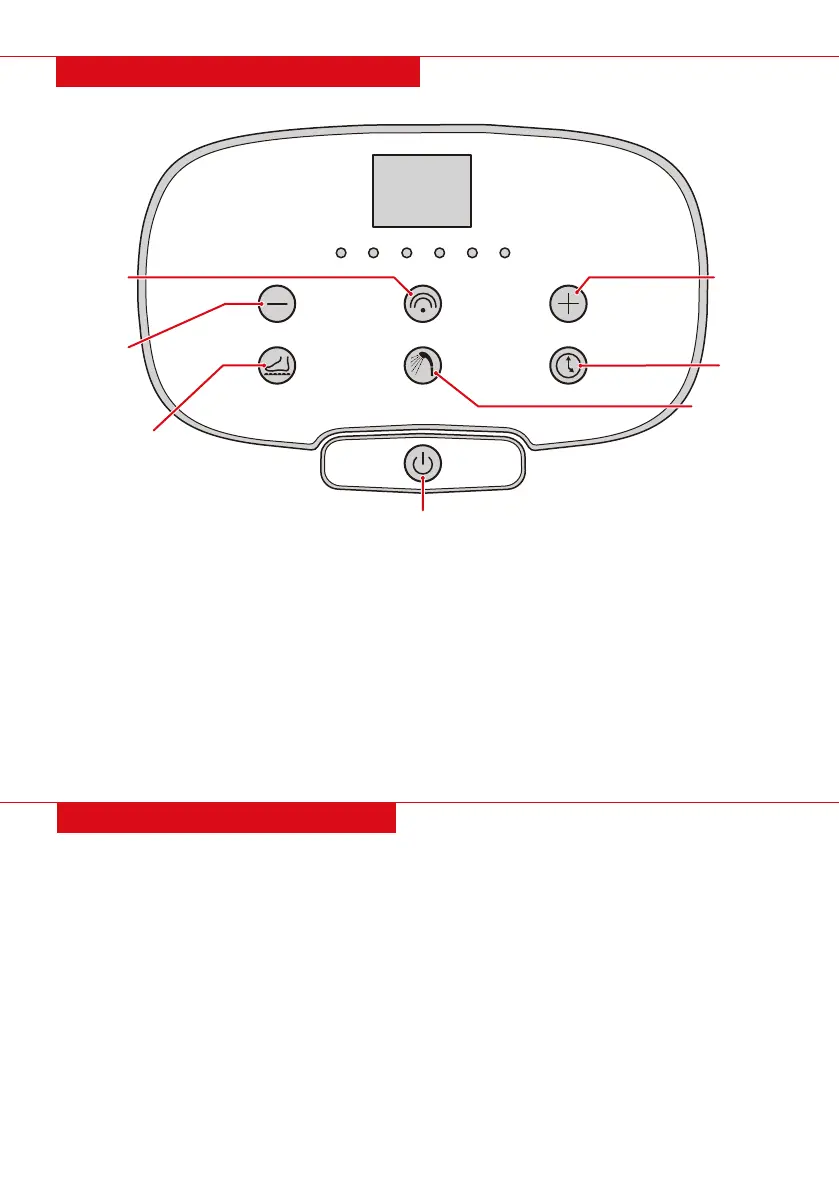
Power: Press to turn machine on and o. When turned on, the machine will automatically
begin to heat the water. The power and heat indicator lights will turn on.
Temp + / - : Press to increase/decrease temperature at one-degree increments.
Red Light: Press to toggle the red light on and o.
Massage: Press to toggle the massage function on and o.
Shower: Press to toggle the shower function on and o. Use this to test water temperature.
Timer: Press to show the current time. Continue pressing to set the timer anywhere from
10 minutes to 60 minutes.
OPERATING INSTRUCTIONS
Power Heat Shower Timer Red light Massage
Temp.
Massage
Red Light
Shower
Temp.
Timer
TEMP. (-)
RED LIGHT
MASSAGE
POWER
SHOWER
TEMP. (+)
TIMER


 To Next Page