8 |
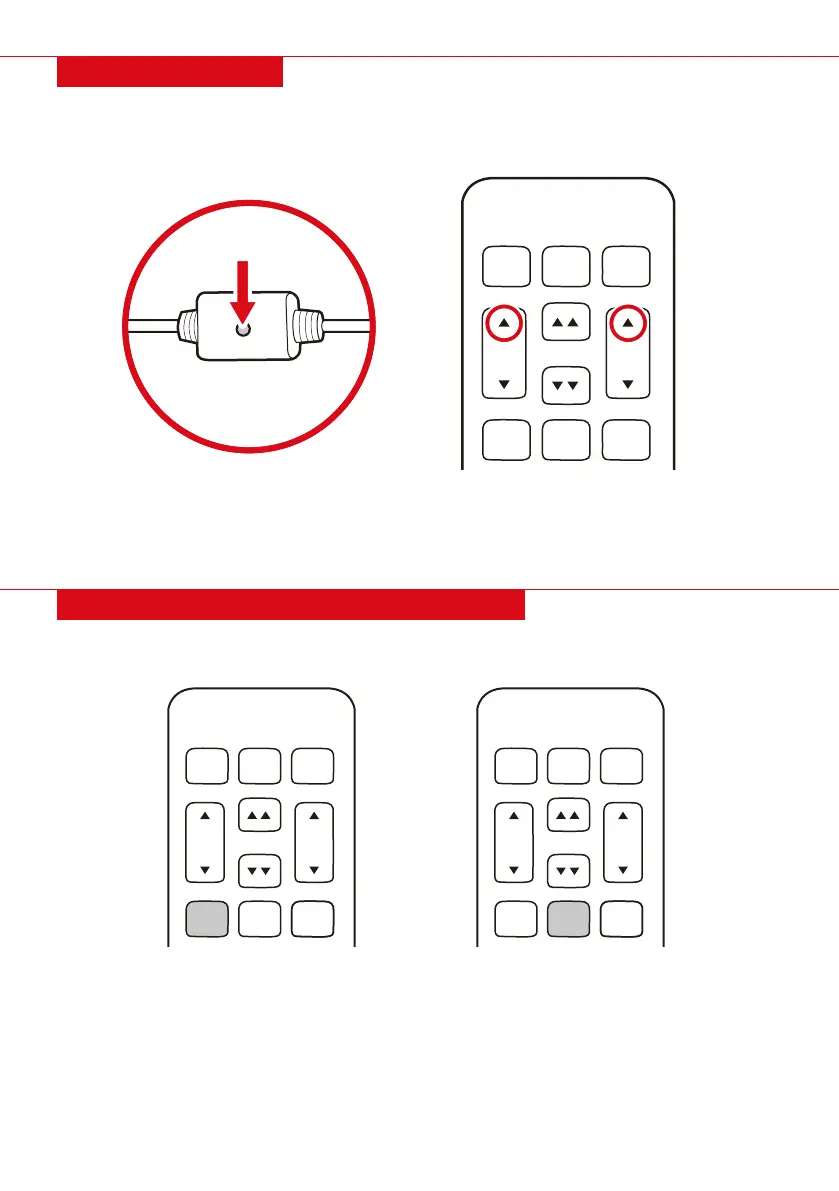
PAIRING REMOTE
TV LOUNGE ZG
M1
H
E
A
D
F
O
O
T
M2 FLAT
1. Press and hold the adjust head up and adjust foot up buttons.
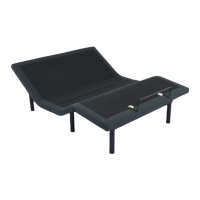
2. Press and hold the pairing button underneath the bed.
- Pairing button is on the wire attached to the power supply
3. Two beeps will sound to indicate a successful pairing.
The remote comes paired to the bed. If the remote gets unpaired, do the following to pair the remote:
NOTE: There are two individual remotes for the two beds. You can either use a separate remote for each
bed, or pair both beds to one remote.
1. Adjust the bed to your desired position.
2. Press and hold the memory programmable button for 5 seconds.
3. Buttons will flash to indicate the position has been saved.
4. If desired, repeat to set the other memory programmable button.
PRESET 1 PRESET 2
TV LOUNGE ZG
M1
H
E
A
D
F
O
O
T
M2 FLAT
TV LOUNGE ZG
M1
H
E
A
D
F
O
O
T
M2 FLAT
SETTING PROGRAMMABLE POSITIONS
NOTE: M1 and M2 buttons do not come programmed. Each button must be individually programmed
before use.


 To Next Page