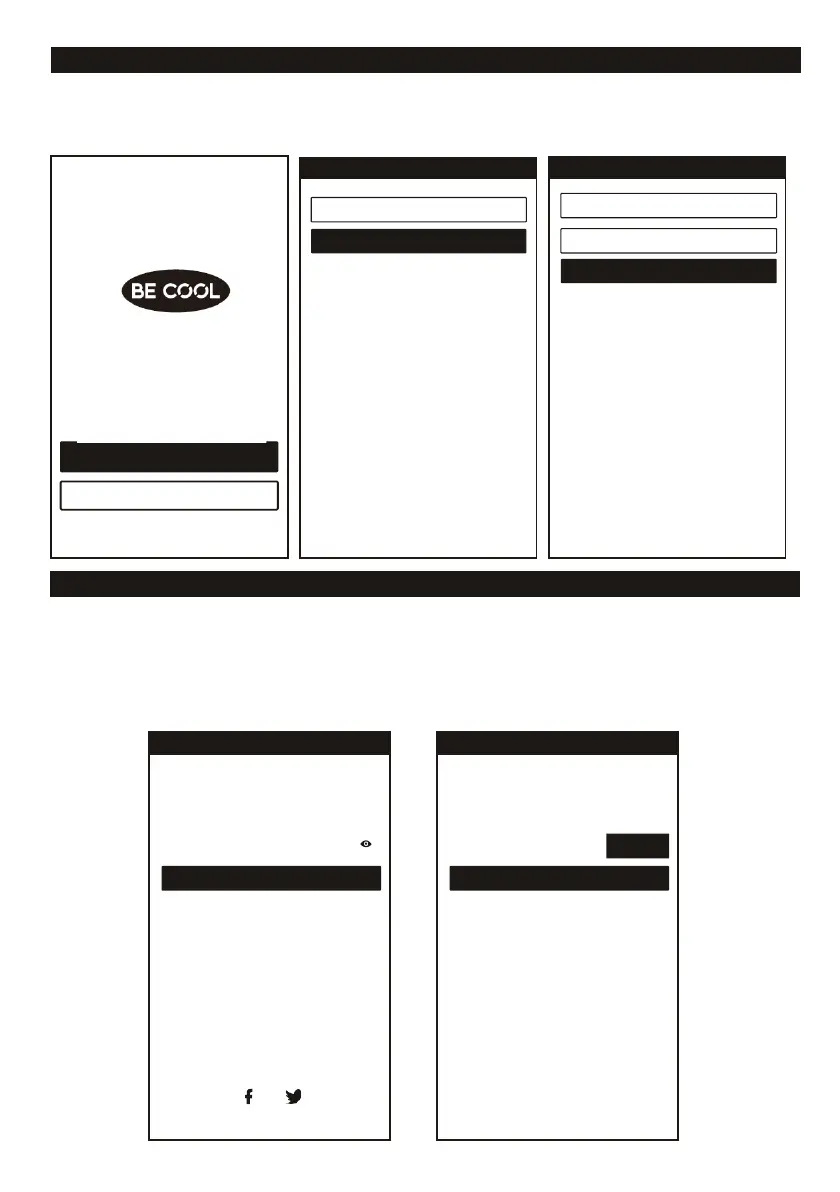
REGISTER USER ACCOUNT
Now you need to register an account click the “Register” button to enter to the register interface. You
can register with your “E-Mail”, with your “Mobile number”, or a social network:
LOGIN USER ACCOUNT
1. To register a user account, enter your email address or phone number for the account and a
password. Then select "Login".
2. To register by phone number, select "Register by SMS". The next page will show up. Enter the
phone number and select "Retrieve" to receive the verification code. Enter the Code you get via
SMS and select "Register".
3. You can also use a Facebook or Twitter account to log in.














 To Next Page