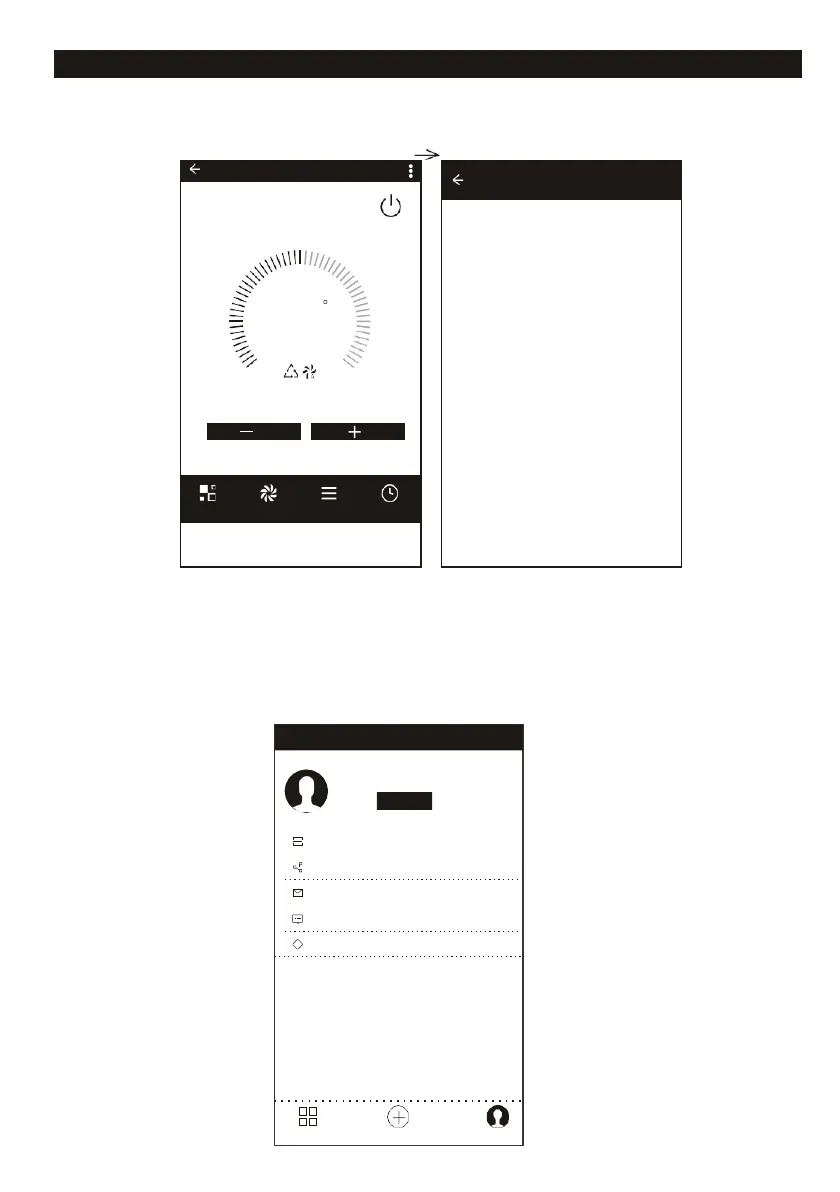
Air conditioner control
MORE SETTINGS
From the right-up corner, you can do more function setting,as Modify Device Name,
Device Sharing, Device information, Feedback, Check for firmware update, Remove
Device, Restore Manufacture setting.
PROFILE
You can manage your personal information. It includes: A Account information,
B
can QR code: Developers could preview the control interface, C
Share
Device:
Display
user
’
s
device
sharing
information, D
Message Centre: Displays all messages that system sent
to users, E Feedback: Where users could submit feedback online, FShows the current App
version information.
Tap to set your name
+01-XX
Scan QR Code
Device Sharing
Message Center
Feedback
About
Devices Add Devices Profile
Modify Device Name
Device Sharing
Device info
Feedback
Check for Firmware Update
Remove Device
Restore Manufacture Defaults
window type air conditoner-...














 To Next Page