AIR CONDITIONER CONTROL
TIMER:
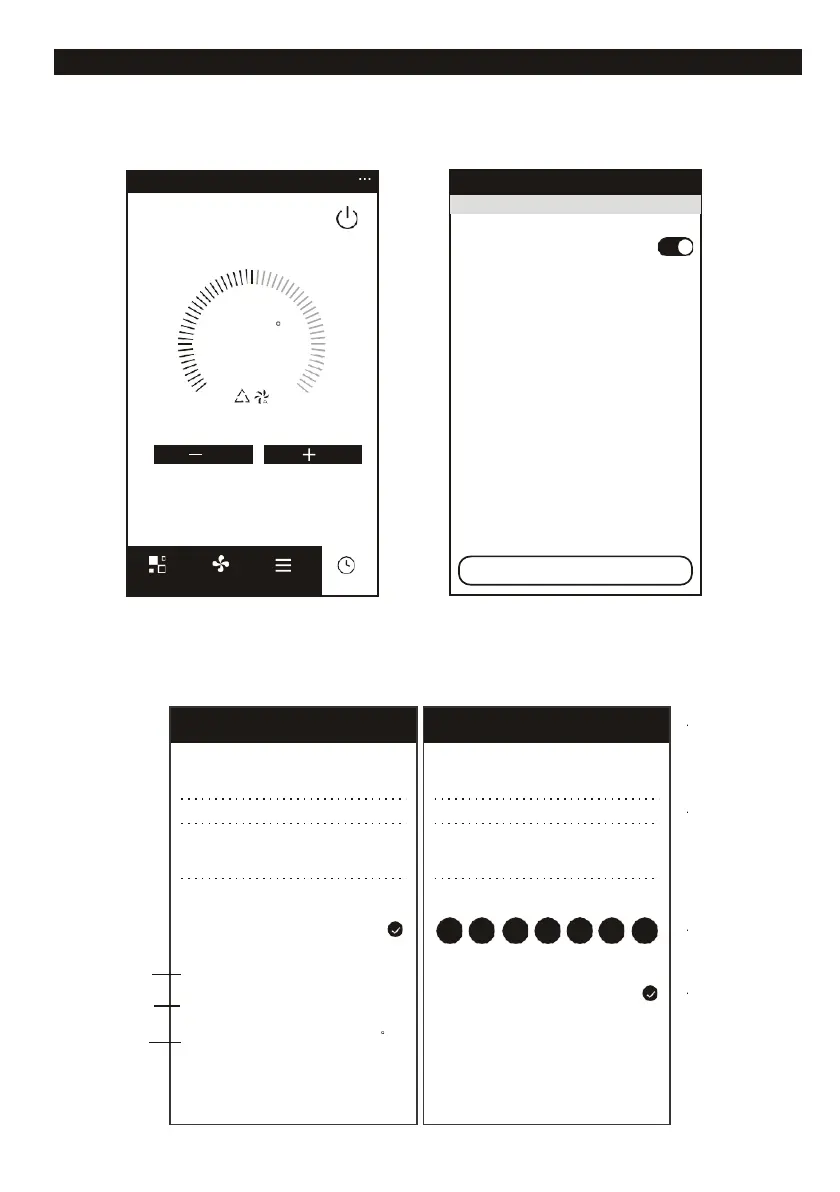
Setting Timer function. Click the “Timer” button, the APP will enter to timer setting interface. It will
display the task scheduler set before. You can longterm press to edit or build a new scheduler by
“Add Timer” button.
6. Click “ON” or “OFF” button to set Timer ON or Timer OFF.
You can set Hour, Minute, operate Mode, operate Fan Speed, operate Temperature, also can
set the weekly Timer.
After finish the setting, click the button to “Cancel” or “Save”.
Select days to use Smart Mode
Mon Tues Wed Thur Fri Sat
Temperature Set Temperature
Timer accuracy is -/+30 seconds
14:28
Sun, Mon, Tues, Wed, Thur
Timer: ON Auto Auto
14:28
Wed
Timer OFF
Add Timer














 To Next Page