175
Installation
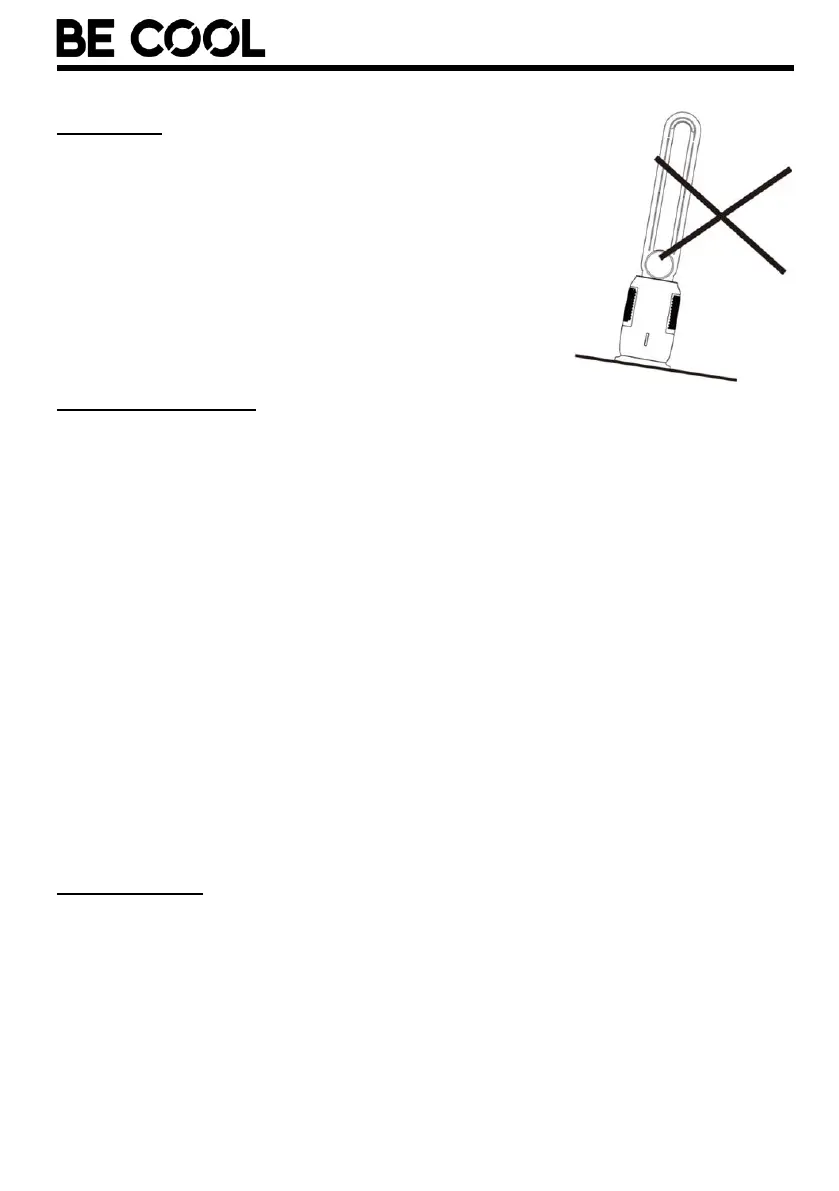
Please note the following points for installation.
• Place the unit on a flat and stable surface.
• There must be at least 50 cm distance to walls
or other objects.
• Before using the appliance, make sure that
both the air inlet and the air outlet are free of
obstacles and are not blocked.
• Connect the unit to an earthed socket.
Filling the water tank
• First check on the back of the appliance that the rubber plug is firmly
seated in the water drainage opening and closes it so that the water tank
cannot accidentally leak.
• Fill the water tank on top of the unit. Open the cover on top of the unit
and pour in clean water while checking the water level at the front of the
water tank:
MIN mark:
The water tank must be filled beyond the mark for the pump to work properly.
MAX mark:
The water tank must not be filled beyond the marking, otherwise water could get
inside the appliance and damage electronic parts.
• Make sure that the outside of the water tank is not damp or wet. If it is,
wipe it dry.
• Close the cover again.
Remote control
Preparing the remote control - Inserting or replacing the batteries
Please follow the instructions below:
• To operate the remote control, please insert the AAA battery.
• Always observe the polarity markings (+/-) on the battery and in the
battery compartment.














 To Next Page