37
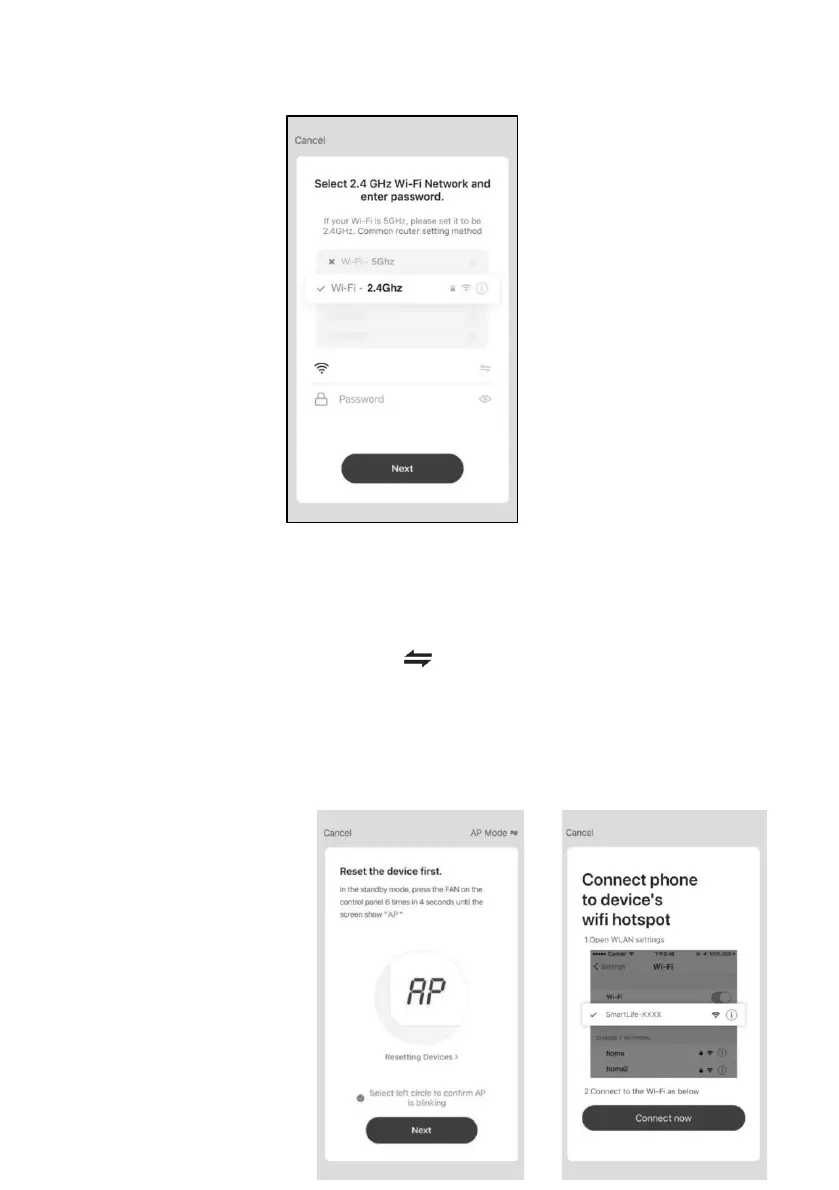
connected, then tap "Next".
Note: Please make sure the “Password” is correct, or the connect will be
failure.
3.5 Power on the appliances, no need to launch the appliances. Follow the
comments on the next screen, Click " " in the upper right corner and select
the "AP Mode" ,then check "Select circle to confirm the AP is blinking" and tap
"Next".
3.6 Select the device as name “Smartlife-XXXX” at the WLAN setting, then
back to the APP interface,The APP will automatically do match.














 To Next Page