38
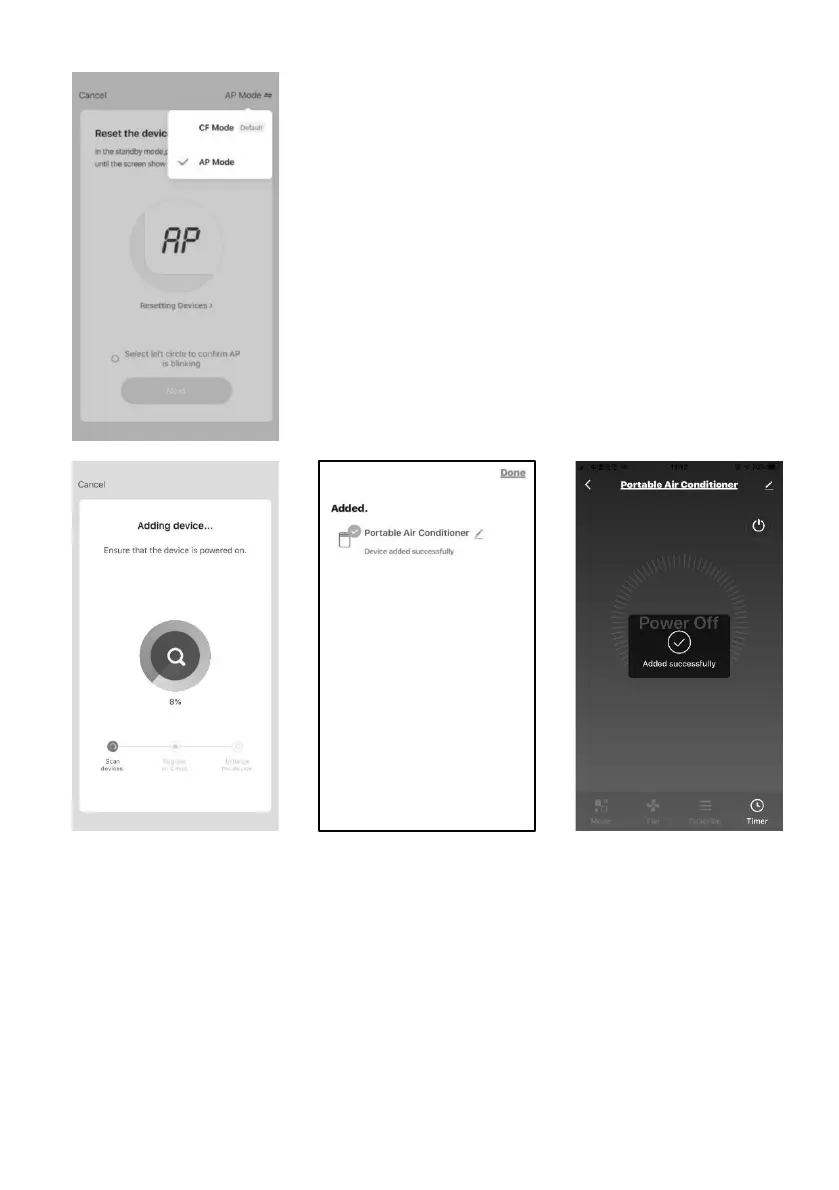
3.7 You can see the percent rate of connecting
process, at the same time "PP", "SA", "AP" shining in
turn on the appliances display.
"PP" means "Searching the router"
"SA" means "connected to the router"
"AP" means "connected to the server"
3.8 If connect Wi-Fi failure, please try to reset WIFI module and connect it
again.
Note: Every time reset the Wi-Fi, must wait about 10 seconds, then the screen
will display “CF” or “AP” 5 times.
Note: There will be switch between “CF” and “AP” mode if reset the WIFI
module.














 To Next Page