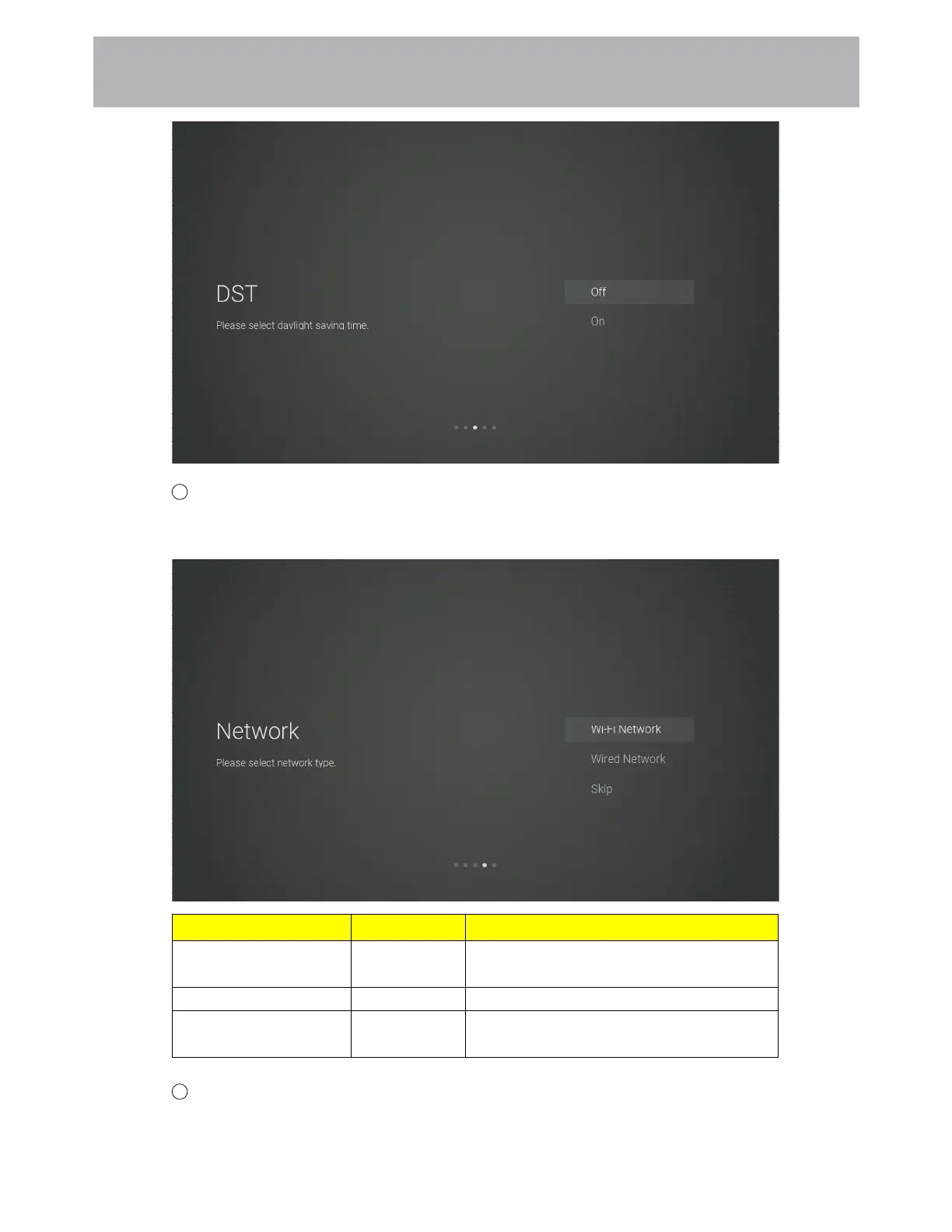
7 The network type setting page
Press the [Up and Down] button on the remote control to select the menu option, [OK] button to
confirm the selection and go to the next setting page.
Items Method Directions
Wi-Fi Network [OK] button Go to the wireless network connection page
(automatically search for attachment wifi)
Wired Network
[OK] button Go to the wired network connection page
Skip
[OK] button Skip the network settings and go to the next
level settings page.
8 If you do not need to connect to the network, select the“Skip”option, press [OK] button to
confirm, and you will be taken to skip the network settings page.
6 1
Customizing TV Settings



 To Next Page