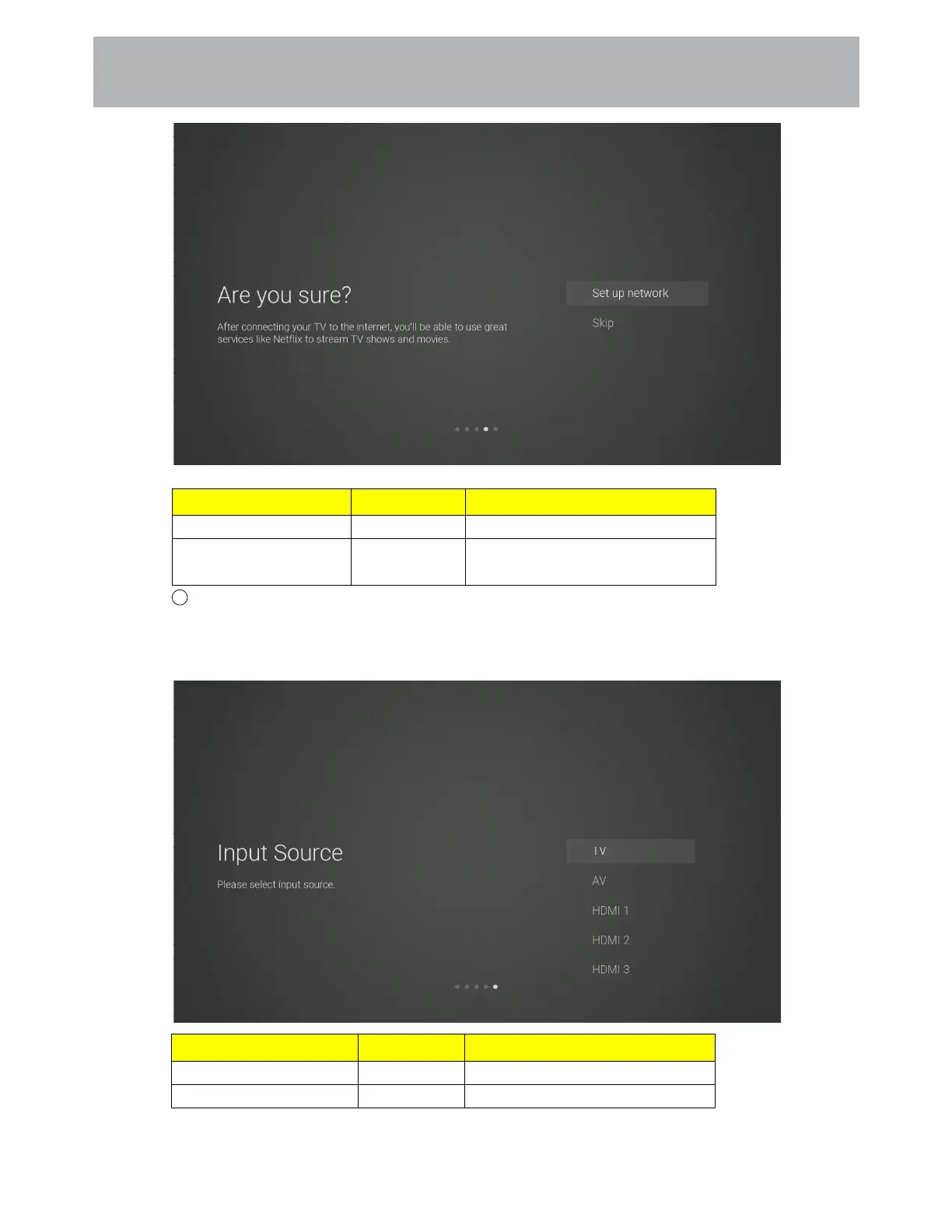
Items Method Directions
Set up network [OK] button Go back to the network settings page
Skip
[OK] button Confirm to skip the network settings
and enter input source setting page.
9 The input source setting page
Press the [Up and Down] button on the remote control to select the menu option, Press the [OK]
button to confirm the selection and go to the next setting page. Pressing the [DOWN] button all
the way will turn the page to the USB source.
Items Method Directions
TV
[OK] button
Go to the channel tuning page
AV HDMI1 HDMI2...USB [OK] button Switch the source channel
7 1
Customizing TV Settings



 To Next Page