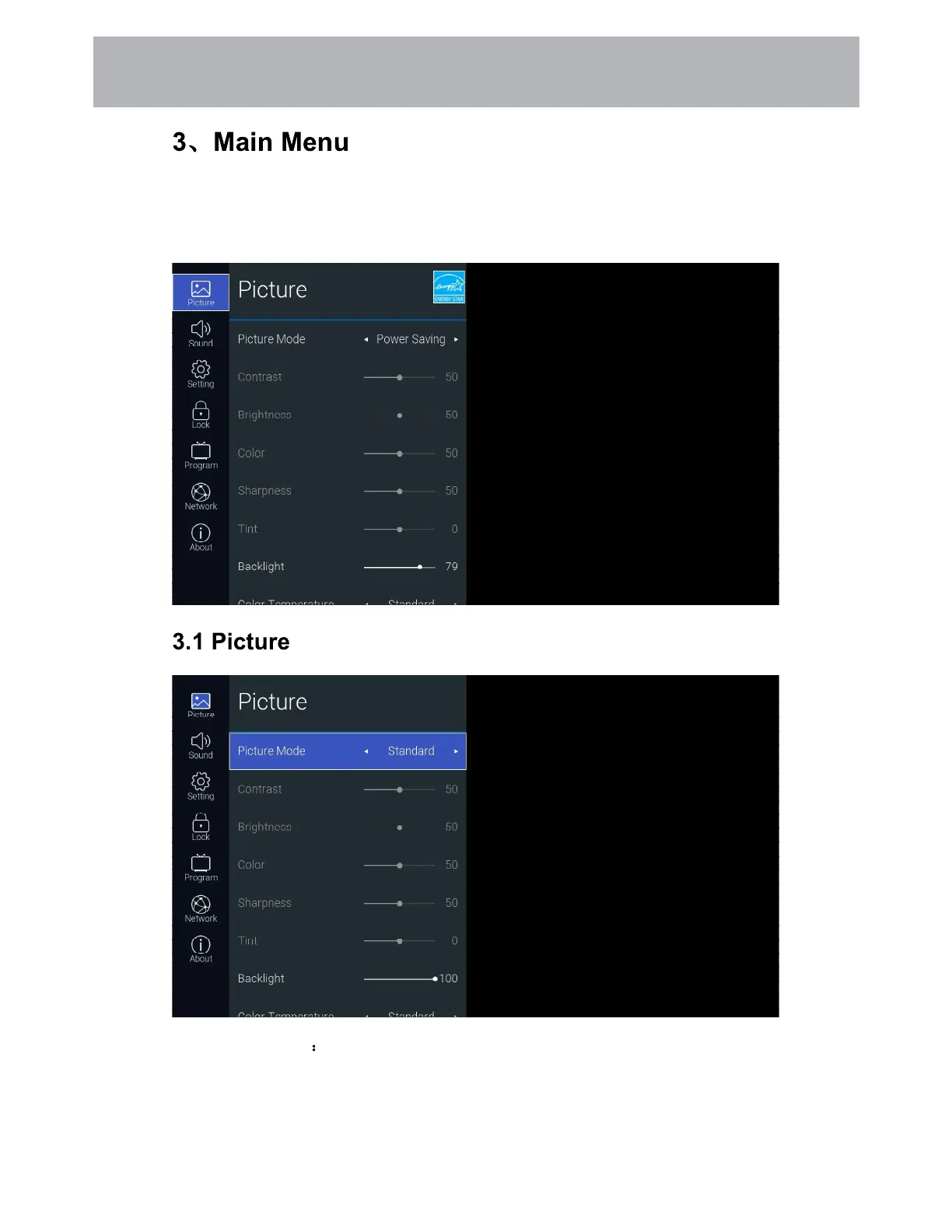
Press the [MENU] button to display the main menu. Press the [Up and Down] button to switch
between the options of Picture, Sound, Setting, Lock, PVR Option, Programm, Network, About.
Press the [Right] button to jump to the sub-option on the right.
Function Description
20
Customizing TV Settings



 To Next Page