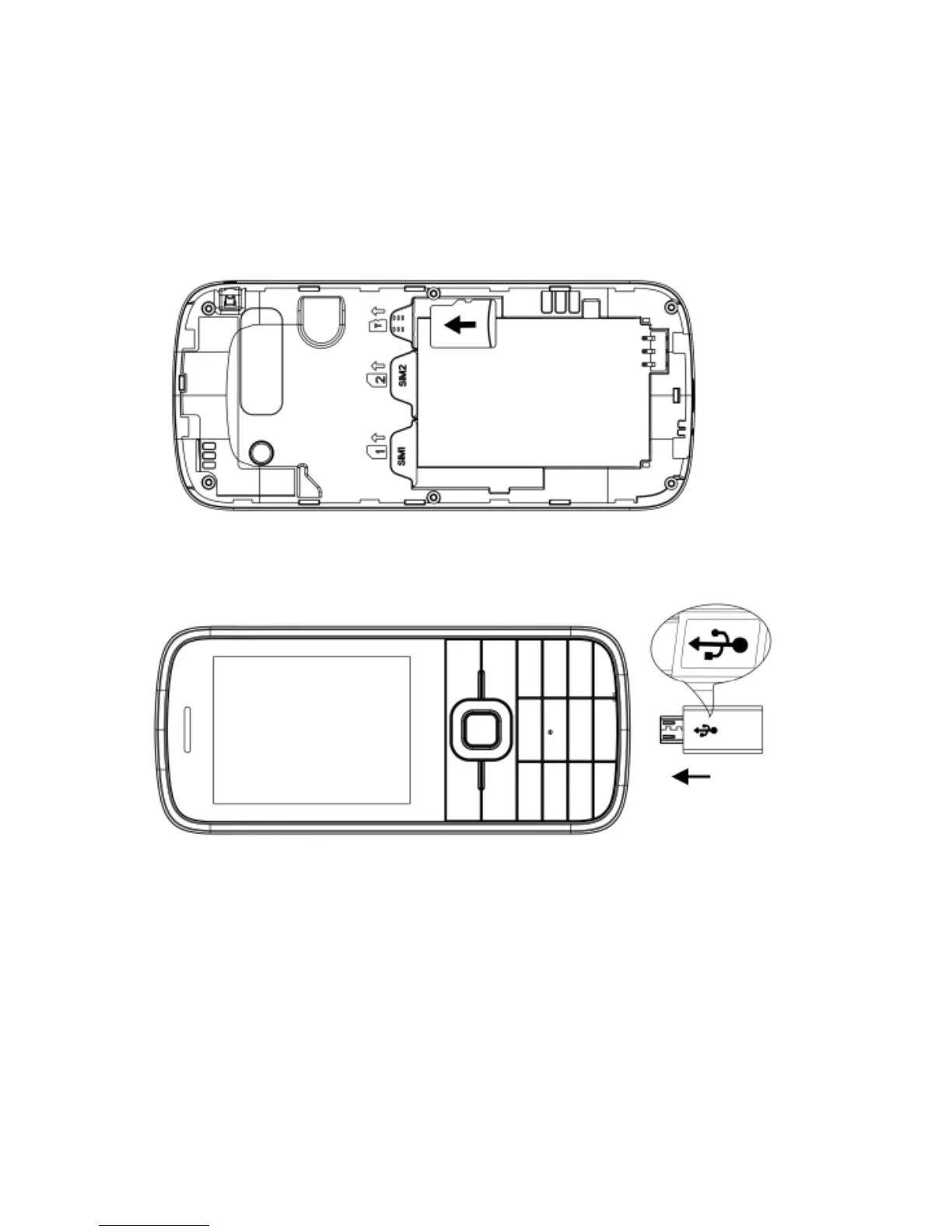
Install the memory card
Carefully slide the memory card into the slot with the
gold connectors face down.
Your phone accepts microSD™ or microSDHC™
memory cards up to 8 GB
Charging the Battery
1. Insert the charger connector into the telephone.
2. Connect the charger to a power outlet.
3. It could take several hours to charge the battery. If
the telephone is charged while it is switched off, it
takes a few seconds before the charging indicator
appears in the display.
4. If the telephone is charged while switched on, the
battery indicator begins to go up. The battery is
fully charged when the battery indicator no longer



 To Next Page