Camera
In Menu mode, select Camera to turn on the camera.
Rotate the phone to landscape view.
Aim the camera lens at a location or an object and
press the OK key to take a photo.
Important: Before you take a photo, make sure you
have inserted a memory card (Micro SD card up to 8
GB).
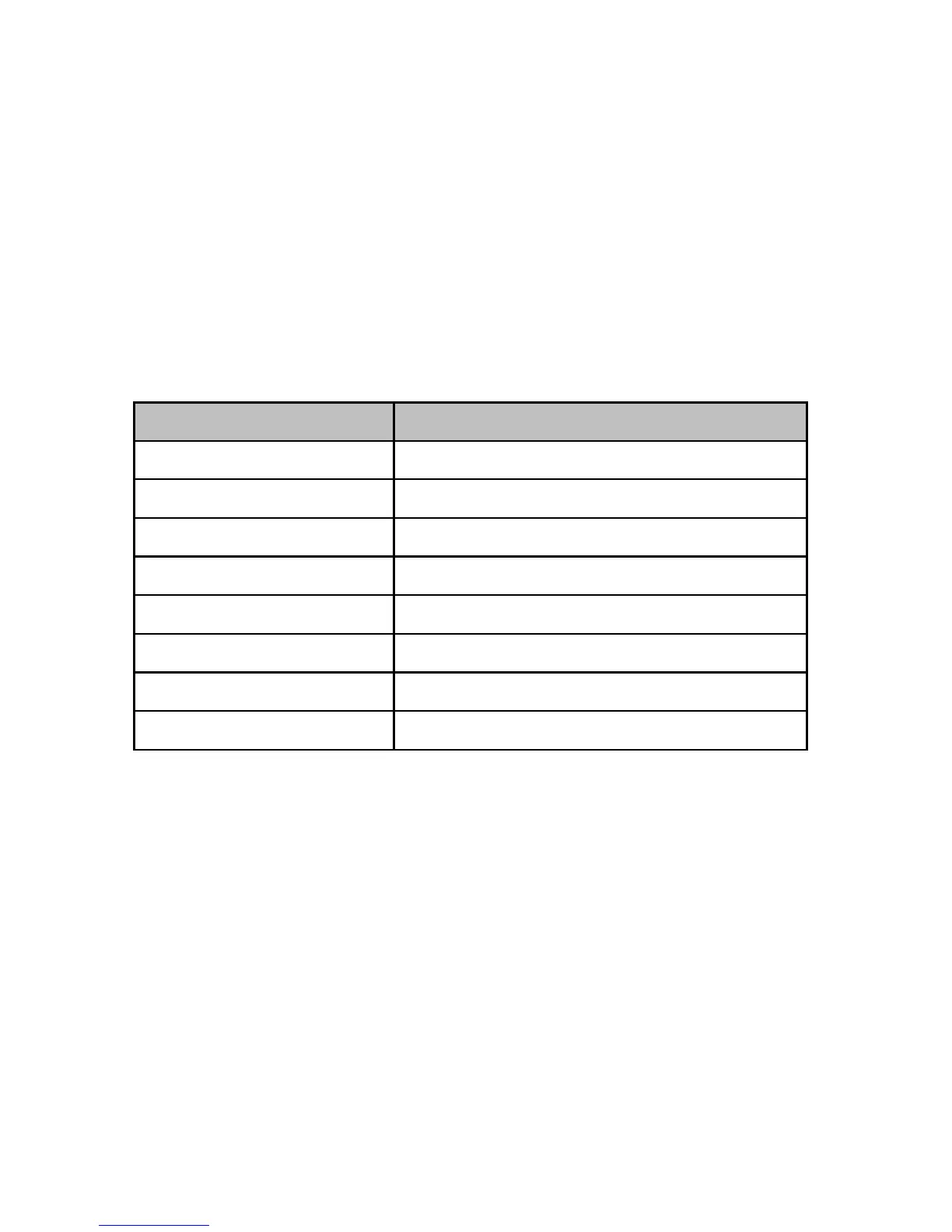
Camera mode key function:
Image viewer:
View the saved photos (in .jpg format).
You can send and also receive the photos via
Bluetooth:
10. In Menu mode, select Image viewer
11. Press “Options” and select “View”



 To Next Page