13
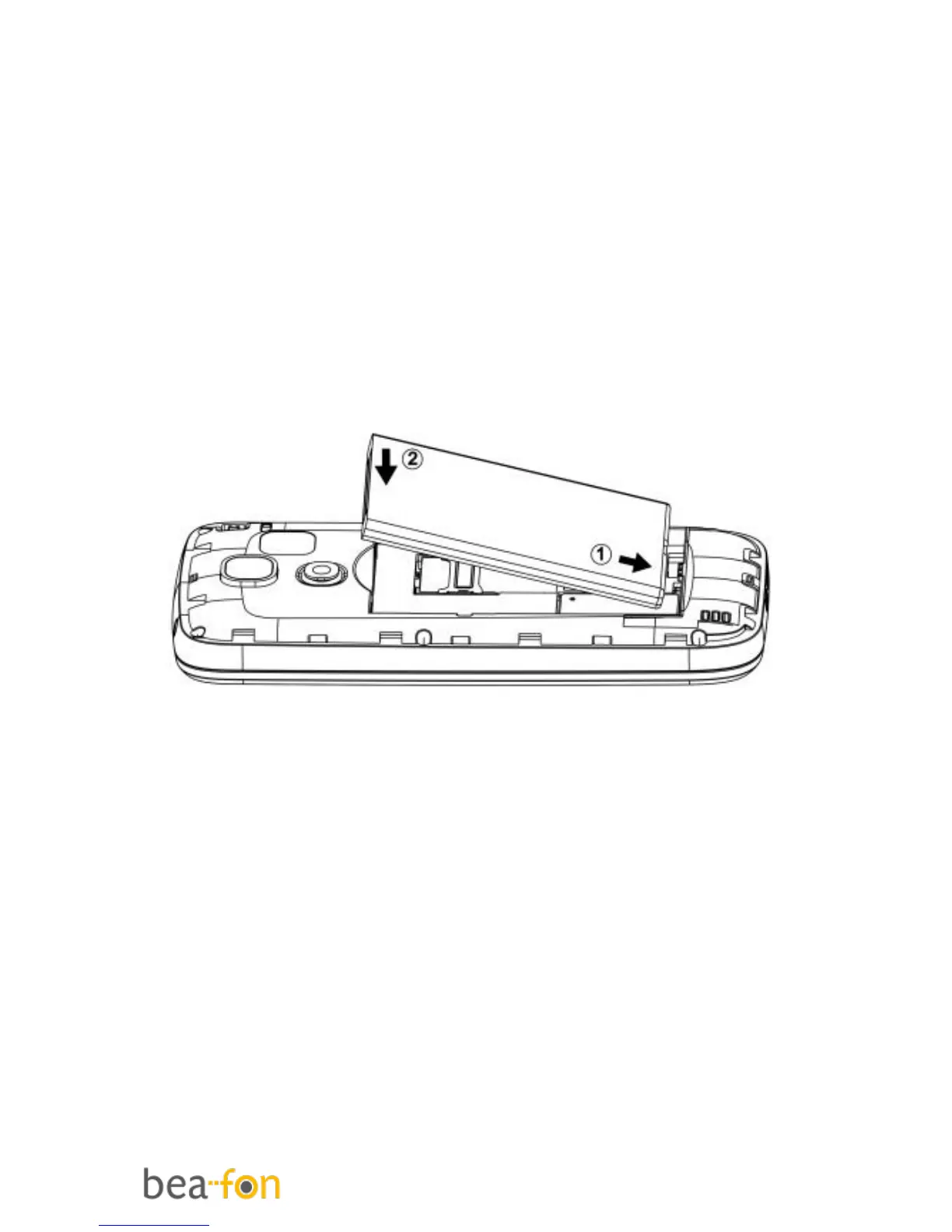
Insert the battery as follows
1. Insert the battery by aligning the gold
contacts in the battery compartment
on the phone.
2. Push down on the upper section of the
battery until it 'clicks' into place.
3. Close the battery compartment by
sliding the cover closed until you hear
a ‘click’.
Charging the battery
There are two ways of SL240 battery
charging:
A. Desktop charging
B. Travel charging
The lithium battery of the mobile phone
can be immediately used after unpacking.



 To Next Page