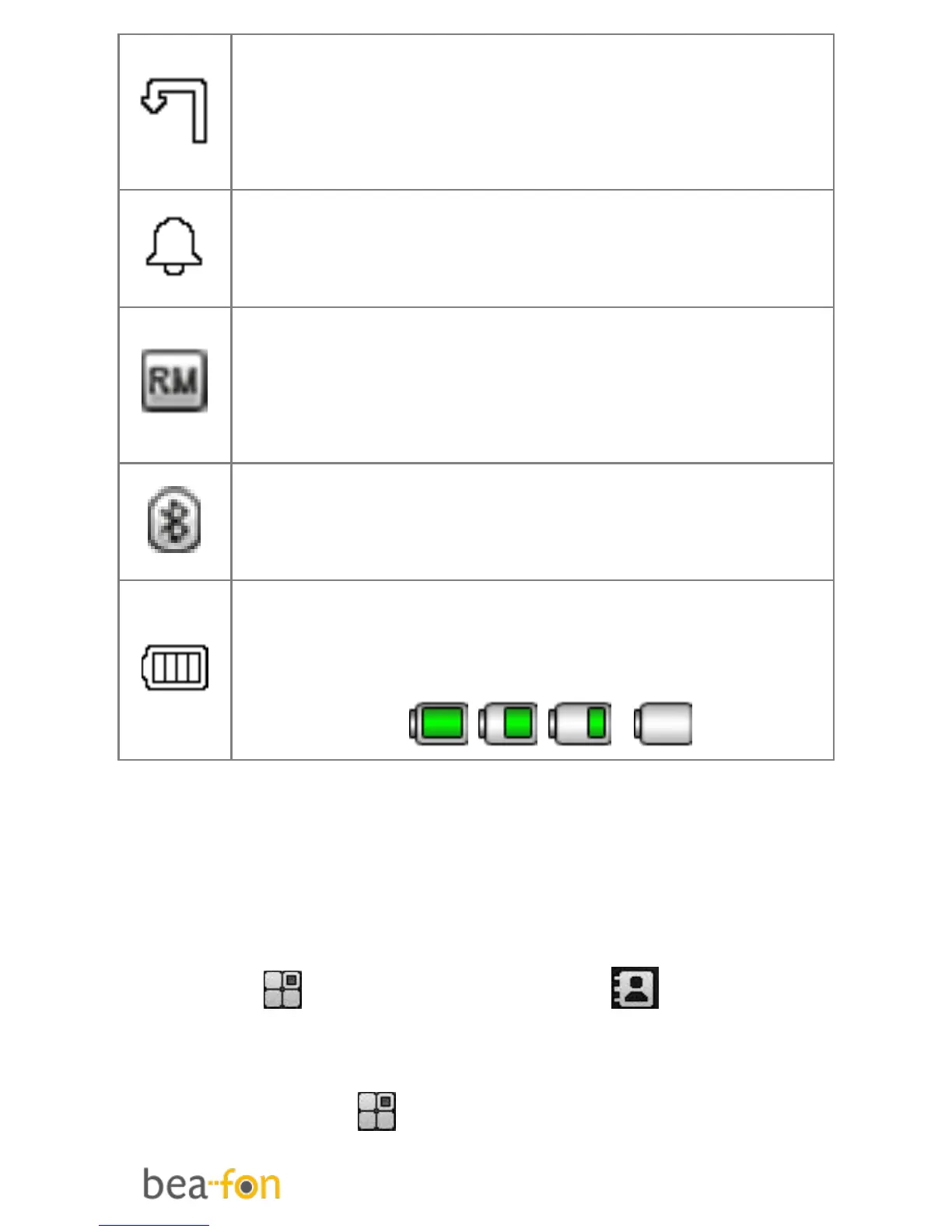
Call Divert
This icon shows when you divert
all calls unconditionally. SIM card
has been set up call divert.
Turn alarm on
This icon shows when you turn
alarm on.
Roaming
This icon shows when your phone
is in roaming state. SIM card is
roaming.
Bluetooth
This icon shows when the
Bluetooth is active.
Battery capacity
This icon’s colour changes
according to the status of battery
capacity: , , ,
Menu Operation
Menu lists are used for set up and
operation.
The left and right soft keys initially are
Menu ( ) and Phonebook( ). (Note:
symbols not displayed if the analogue
style clock is set for idle mode.)
Press Menu ( )and the display changes
and the soft keys become OK and Back.



 To Next Page