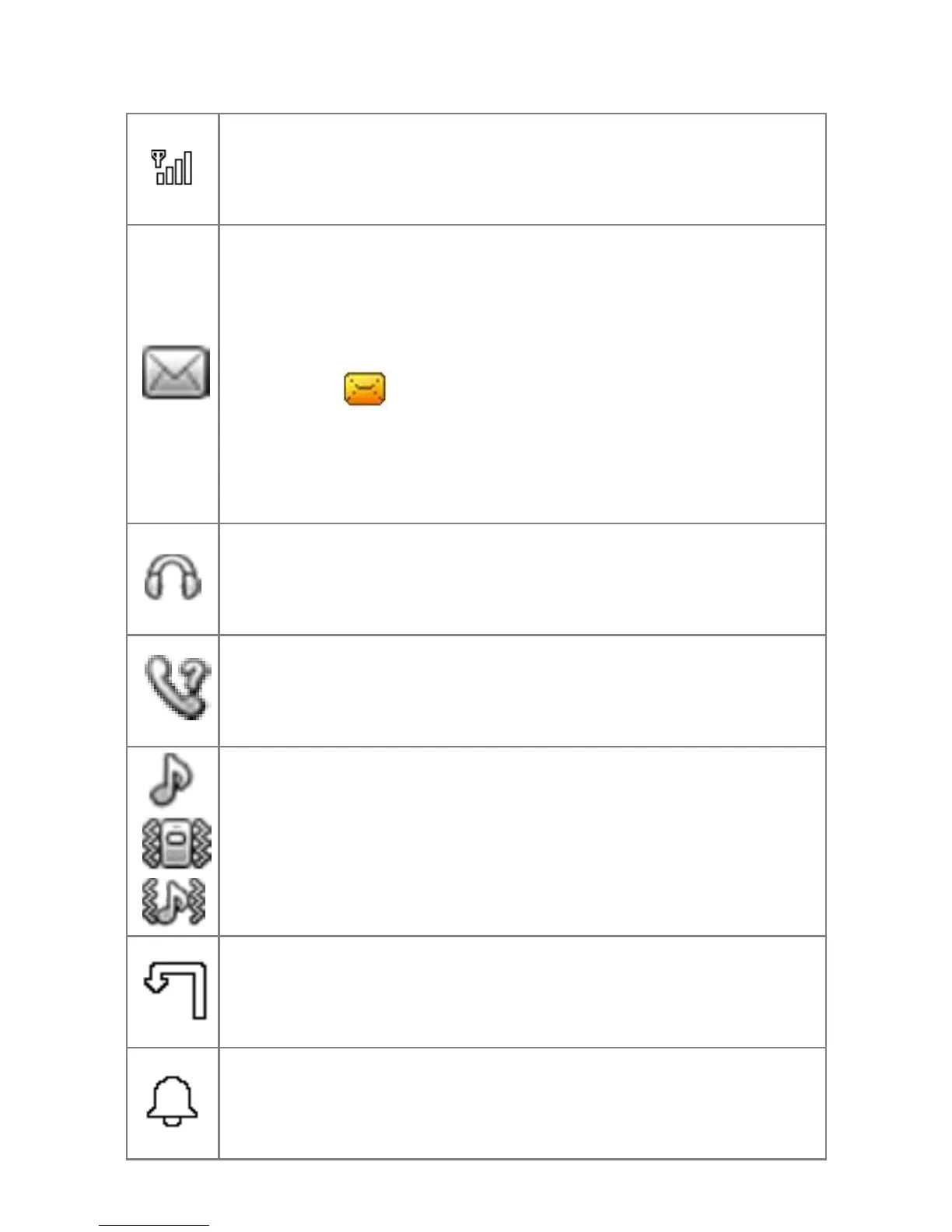
Reception strength:
The vertical bars show the strength of
the reception of your network operator.
New Messages
This symbol is displayed when you
receive a new message.
SIM card has an unread message. This
symbol blinks when the Inbox folder
is full. You have to delete some messages
in order to be able to receive new
messages.
Headphones
This symbol is displayed when
headphones are plugged in.
Missed calls
This symbol is displayed when you did
not answer a call.
Call signal
Only ring
Silent mode and vibrate
Vibrate and ring
Call forwarding
This symbol is displayed when all calls
are being forwarded.
Alarm
This symbol is displayed when alarm
clock is switched on.



 To Next Page