EasyManua.ls Logo

Beafon SL360 - Menu Operation; Torch

Beafon SL360
70 pages
Print Icon
To Next Page IconTo Next Page
To Previous Page IconTo Previous Page
Loading...
18
Menu Operation
Menu lists are used for set up and
operation.
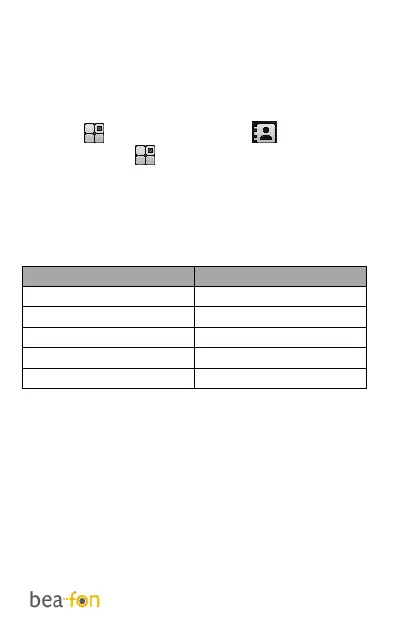
The left and right menu keys initially are
Menu ( ) and Phonebook ( ).
Press Menu ( ) and the display changes
and the soft keys become OK and Back.
Use Up or Down to move up or down
menu lists, and OK or Back for the next
or previous display.

Key
Function
Arrow key up
Message
Arrow key down
Photocontacts
Arrow key left
Calendar
Arrow key right
Alarm
OK key
Main menu
Torch
Press and hold the 0 key of the phone to
switch the built-in torch on/off.

Table of Contents

Related product manuals