6
Main Control
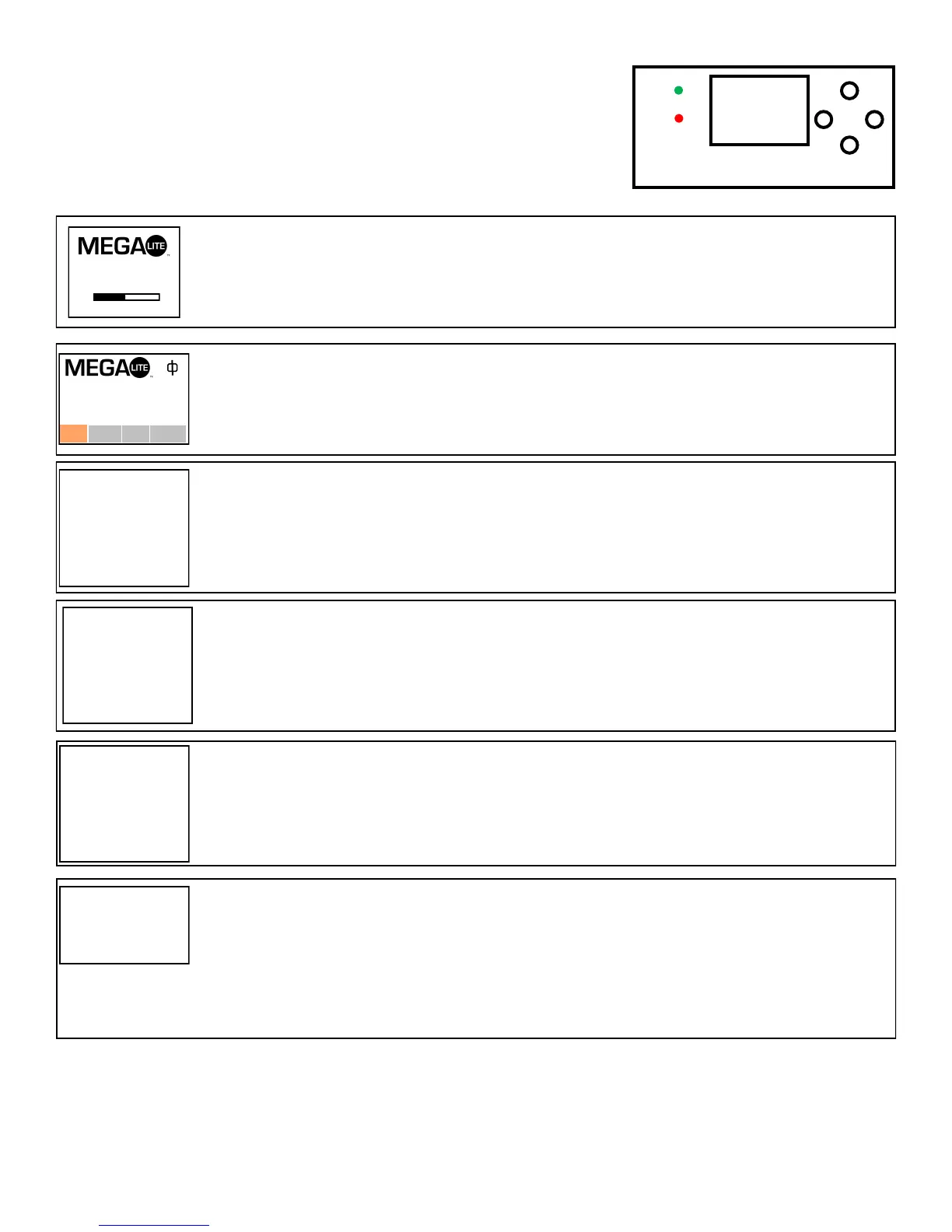
The control board on the fixture base is your interface to access and
control all the functions on the unit. Its LCD display gives you a code
view of the options and functions. The following will explain each func-
tion and its options.
Introduction
Press the ▲ and then press the Ok button then press ▲ to Access the setup menu
Setup Menu
001
Resetting
MENU
DMX
ERR
Set
Manu Sys
Advan
DMX Will operate using a DMX controller
Sound The light will activate it’s built in programs with sound activation
Demo The light will run built in programs
Run Mode
►Setting
Run Mode
DMX Address
Channel Mode
Demo Mode
Invert Pan
Invert Tilt
Swap Pan-Tilt
Encoder Pan-Tilt
No DMX Signal
Display
DMX
001
16CH
1
OFF
OFF
OFF
ON
KEEP
OFF
Press Ok use the ▲ or ▼ to select the desired DMX start Channel. Press Ok to confirm the setting. (DMX Channel must match the start
Channel setting in your DMX Controller)
DMX Address
Only One channel option 16Ch Mode available
Channel Mode
Press Ok use the ▲ or ▼ to select the desired preprogramed demo programs. Press Ok to confirm the setting. There are 9 programs to
chose from
Demo Mode
Run Mode
DMX Address
Channel Mode
Demo Mode
Invert Tilt
Swap Pan-Tilt
Encoder Pan-Tilt
DMX
001
16CH
1
OFF
OFF
ON
►Setting
Run Mode
DMX Address
Channel Mode
Demo Mode
Invert Pan
Invert Tilt
Swap Pan-Tilt
Encoder Pan-Tilt
No DMX Signal
Display
DMX
001
16CH
1
OFF
OFF
OFF
ON
KEEP
OFF
►Setting
Run Mode
DMX Address
Channel Mode
Demo Mode
Invert Pan
Invert Tilt
Swap Pan-Tilt
Encoder Pan-Tilt
No DMX Signal
Display
DMX
001
16CH
1
OFF
OFF
OFF
ON
KEEP
OFF
DOWN
UP
OK


 To Next Page