3 4
Fill the hot water module with
tap water and insert into the
appliance.
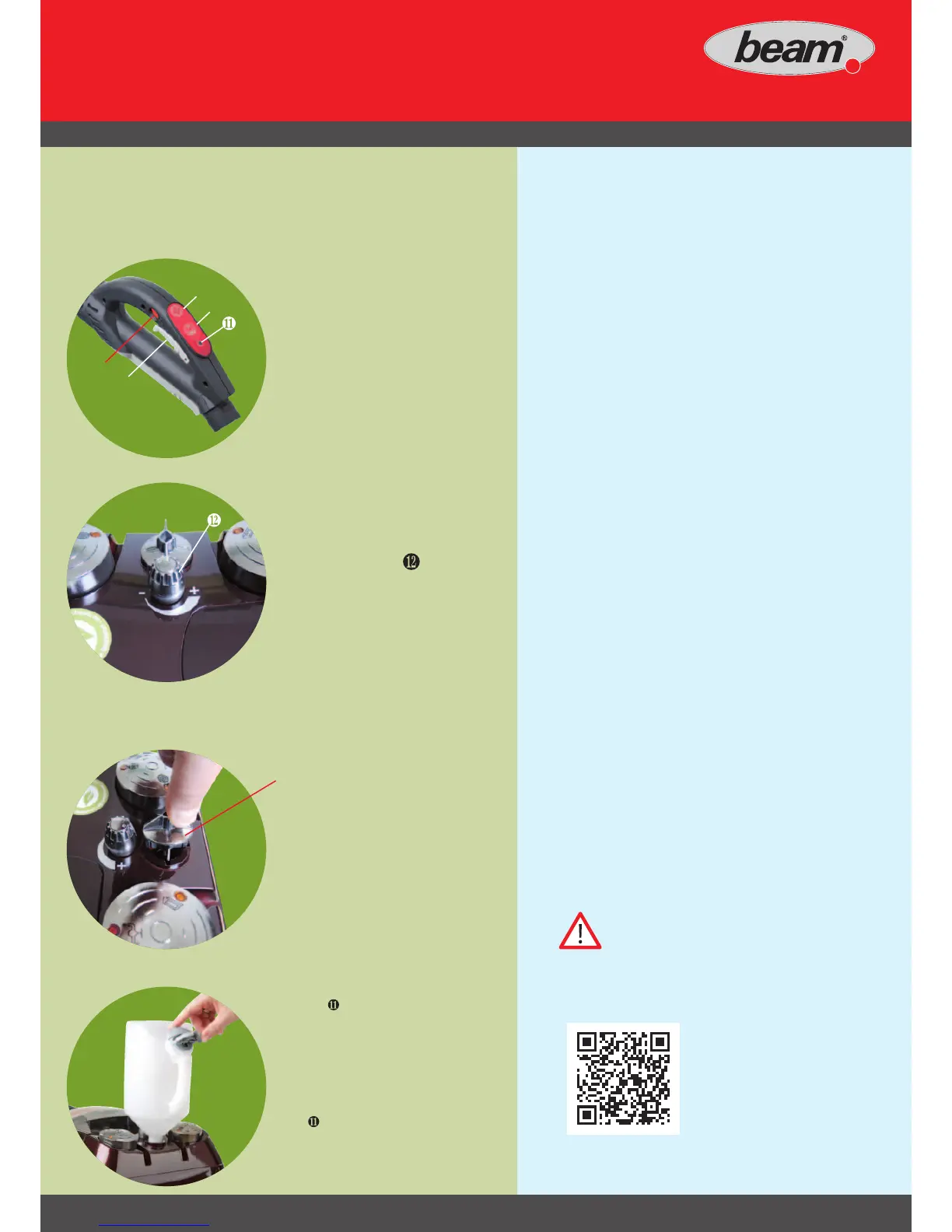
Button
❾ on the handle for
hot water mode:
• Hold the button down for 3 sec.:
Hot water module is activated
and LED
lights up.
Use steam lever ❽ for an
improved soaking effect
during cleaning. Deactivate
the hot water module:
• Press button ❾ on the handle briefly,
LED
goes off.
Follow the instructions on the hot
water module. Not for sensitive
materials.
4a) On low suction run approx. 1 litre of clean
water through the used parts (suction hose,
extension pipes etc.) to clean these.
4b) Unplug the appliance from the mains.
4c) Empty and clean the filter bowl.
4d) Pull out the steam suction hose for it to dry
out.
4d) Store the appliance with open lter bowl in a
well ventilated and frost-free room.
Warning! Protect the appliance from frost.
Press button ❼ 1x briey:
To switch suction On / Off, hold
down button
❼ to select suction
level.
(Image 2c)
❹ LED 4: low suction
❺ LED 5: medium suction
❻ LED 6: high suction
Pull steam lever ❽ to
trigger steam.
❿ Child lock
Open the cover.
3b)
Set a suitable steam level
using control knob
:
Turning towards - reduces the
steam level.
Turning towards + increases the
steam level.
❼
❽
❾
❿
You will find videos on
starting up and usage at
www.beam.de/kundenportal.html



 To Next Page