www.beamzlighting.com
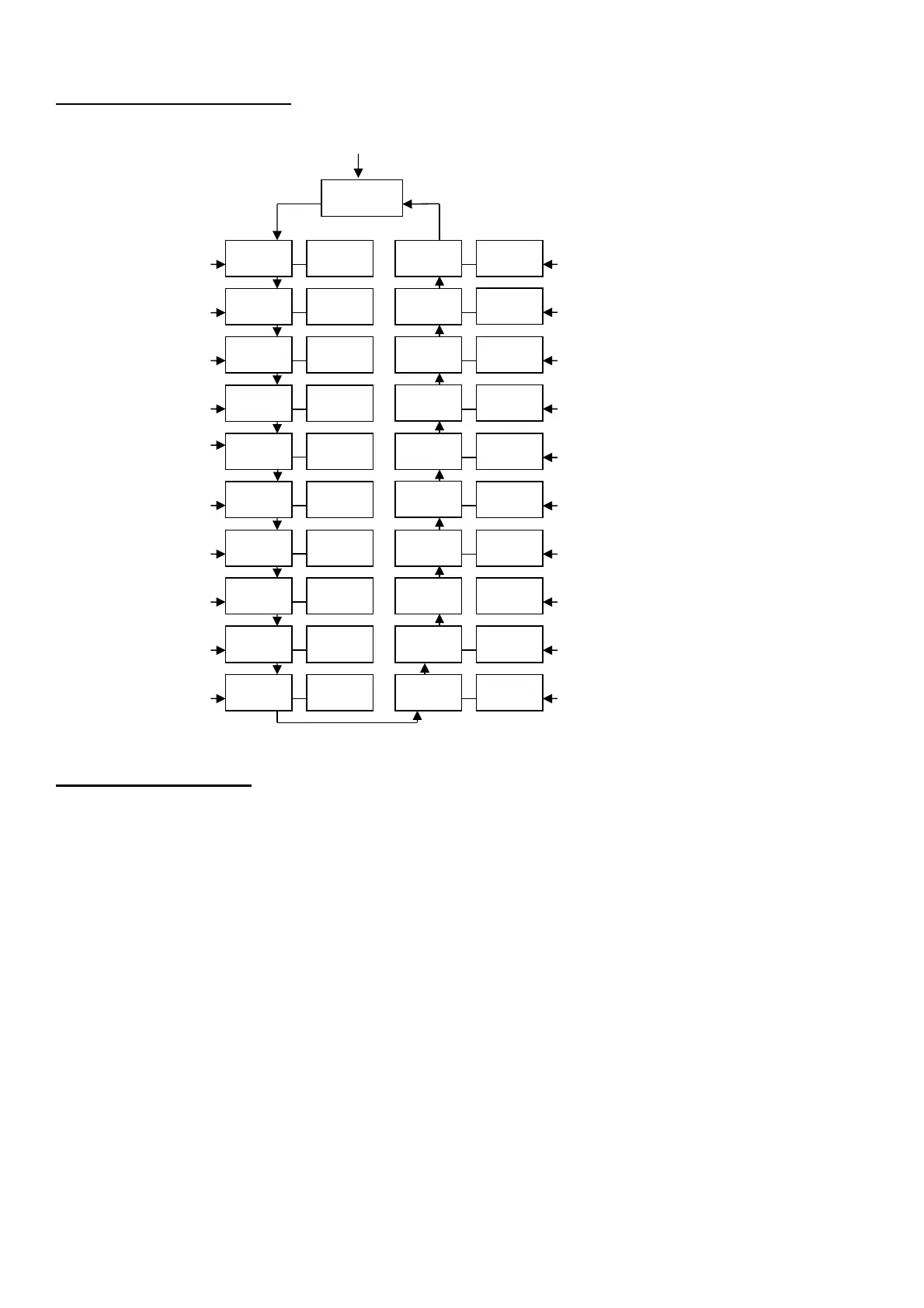
LED DISPLAY FUNCTIONS
No Function
DMX address Sound 4
Manual Red dimmer Sound 3
Manual Green dimmer Sound 2
Manual Blue dimmer Sound 1
Manual White dimmer Color fade
Single color strobe Color change
Multicolor strobe Dimmer 7
Dimmer 1 Dimmer 6
Dimmer 2 Dimmer 5
Dimmer 3 Dimmer 4
MODE SELECTION
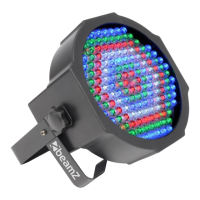
The LED FlatPAR-154 x10mm RGBW IR DMX has five operating modes:
After you have selected your desired mode or setting you have to confirm it by pressing the ENTER button.
- DMX control mode – (A001 – A512)
This function will allow you to control each individual fixtures traits with a standard DMX 512 controller .
- Manual RGBW Mode - Adjust one of the four colours to mix your desired colour.
R000-R512 = Red 0 – 100%, G000-G255 = Green 0-100%, B000-B255 = Blue 0-100% and H000-H255 = White 0-100%
- Auto Mode - There are 11 Auto Modes to choose from
- Sound-Active mode - The unit have 4 Sound modes which will react to sound.
- Slave Mode - Set the “Master” unit to your desired mode of operation. Set the “Slave” unit in DMX mode address A001
unit will now follow the “Master”.
rENt
A001 A512 4U00 4U20
R000 R255 3U00
3U20
G000 G255
2U00 2U20
1U00
B000 B255
2J00 H000 H255 2J20
1J00
1E00 1E20 1J20
7F00 2E00 2E20 7F20
1U20
6F00 1F00 1F20 6F20
5F00 2F00 2F20 5F20
4F00 3F00 3F20 4F20


 To Next Page