HOW TO CONTROL THE UNIT
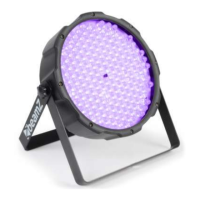
The LED FlatPAR-186x10mm UV DMX has four operating modes:
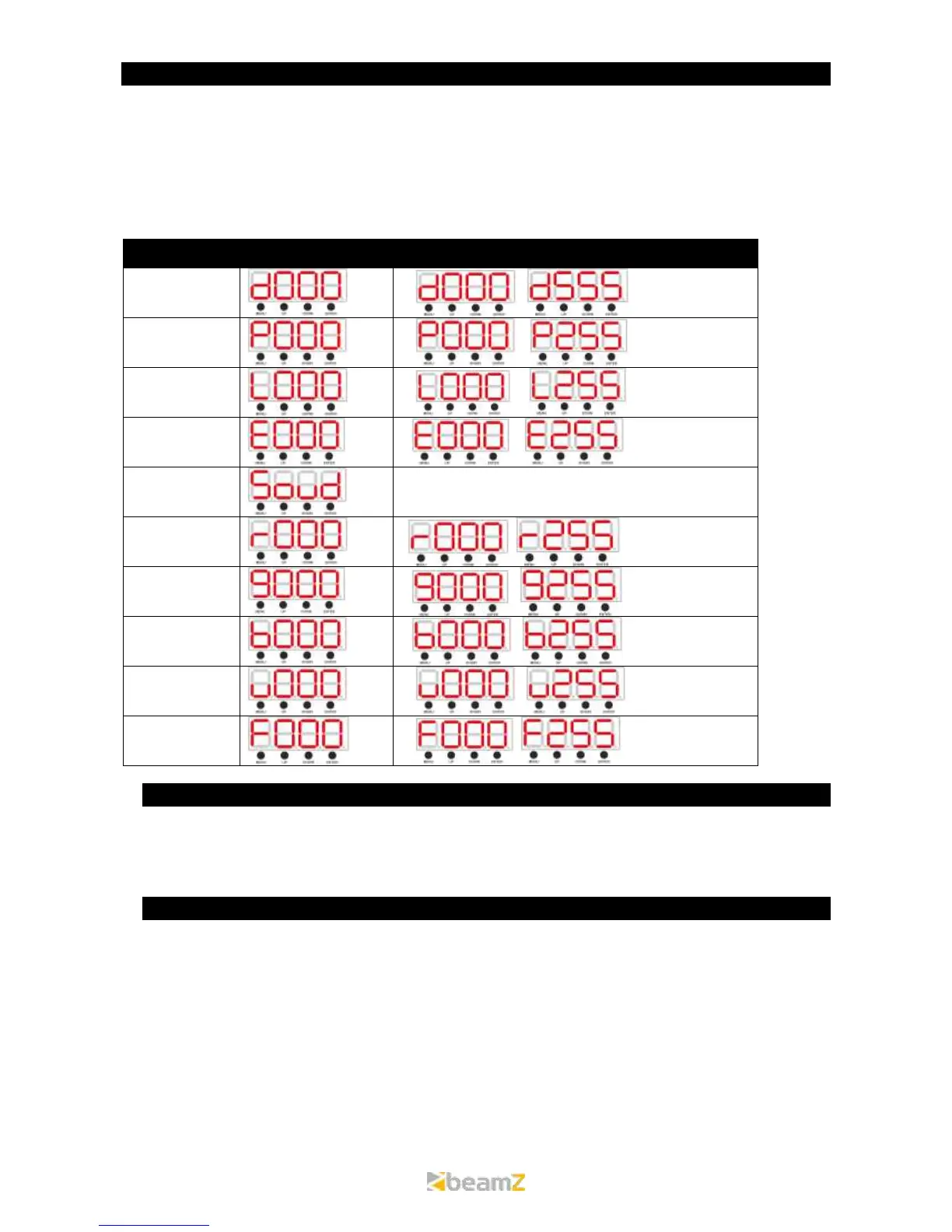
A. Slave Mode - Set the “Master” unit to your desired mode of operation. Set the “Slave” unit in DMX mode address
D001 unit will now follow the “Master”.
B. DMX control mode – (D001 – D512)
This function will allow you to control each individual fixtures traits with a standard DMX 512 controller .
C. Manual colour UV Mode - Adjust one of the four UV led groups to mix your effect view.
D. Auto/Sound Mode - There are 3 Auto Modes to choose and sound modes which will react to sound.
After you have selected your desired mode or setting you have to confirm it by pressing the ENTER button.
A. MASTER/SLAVE MODE
Daisy chain your units via the XLR connector on the rear of the unit. Use standard XLR data cables to link your units
together. The first unit in the chain (master) will use the female XLR connector only. The last unit in the chain will use
the male XLR connector only. Connect the first “Slave” unit to the “Master. Set the “Master” unit to your desired mode
of operation. Set all the “Slave” unit(s) to the DMX mode D001.
B. DMX MODE
If control by DMX controller, then you need to set the address code to control the light, the address code value is 1-
512, the light could receive the signal accordingly.


 To Next Page