28 English
10. Temperature sengs
• Press the "°C / °F" buon to shi between Celsius and Fahrenheit.
• When the temperature drops below -40°C, "Lo" is displayed. If the tempera-
ture rises above 70°C, "Hi" is displayed.
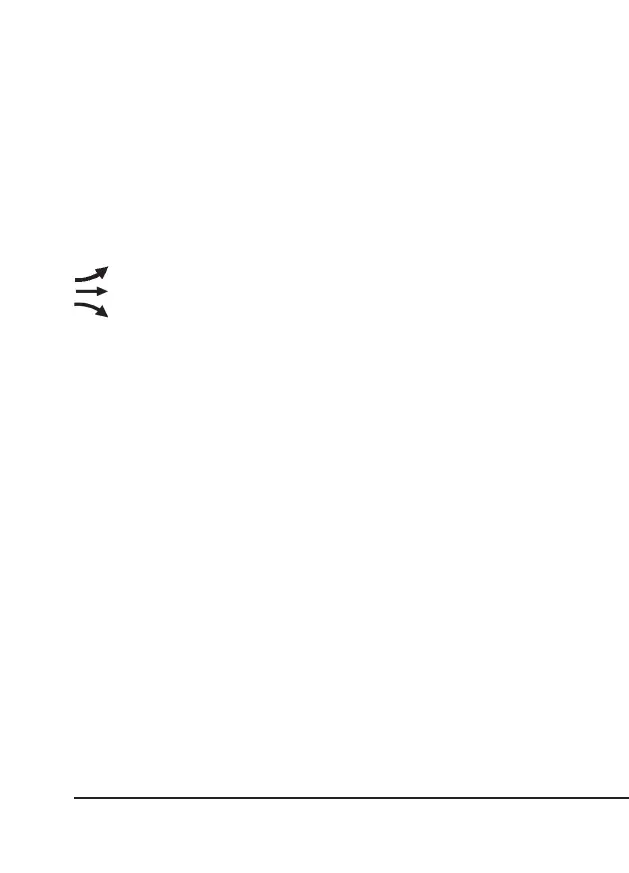
Temperature trend
The temperature trend shows the possible weather changes as a trend.
indicates "rising"
indicates "constant"
indicates "falling"
RECORDING MAX / MIN TEMPERATURE
The main unit stores the MAX / MIN temperatures recorded since the last manual
reset.
1. Press the "MEM / -" buon once In me mode to display the maximum tem-
perature measured in the current channel
2. Press the "MEM / -" buon repeatedly to display the MAX / MIN value in the
following sequence: The maximum temperature of the current channel -> The
minimum temperature of the current channel -> The maximum indoor tempera-
ture -> The minimum indoor temperature.
3. When the MAX / MIN readings are displayed, the display returns back to
normal mode aer 5 seconds.
4. To clear the MAX / MIN indoor readings or that of the current channel, press
and hold the "MEM / -" buon for 2 seconds once the device is switched on and
is in the MAX/MIN display.
Temperature alarm seng
The device can set the temperature HI / LO alarm for indoors and up to 8 outdoor
channels.
1. Press and hold the "ALERT" buon for about 2 seconds in me mode to
access the alarm sengs. The "IN" icon starts ashing. Press the "CHANNEL
/ +" or "MEM / -" buon again to select the outdoor channel.



 To Next Page