21English
Re-acvate the search by pressing the "DOWN" buon for about 3 seconds unl
the DCF symbol is shown in the display. Alternavely, you can set the me manual-
ly. For more informaon in this regard, see the "Basic Sengs" secon.
Note: You can not press any other buons while scanning for the DCF signal. Press
the "DOWN" buon to cancel the DCF signal scan.
7. Display
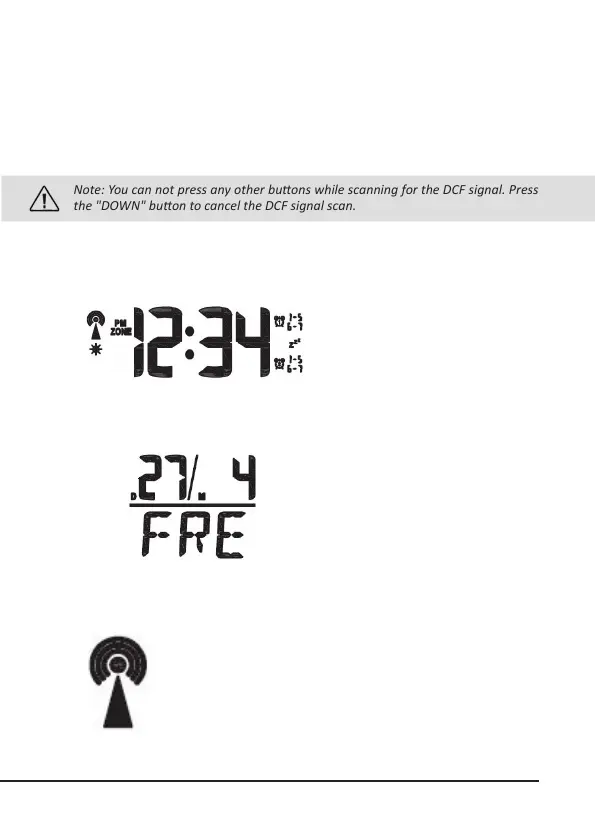
Time display:
The me can be displayed either in
12 or 24-hour format by selecng the
desired sengs in the basic sengs.
Date and day:
The weather staon has a date and
day display. The date is displayed in
the top secon and the day in the
boom secon. If you wish to change
the language, please refer to the
secon on "Basic sengs" for more
details.
DCF symbol:
The radio tower symbol indicates that the DCF signal has been
successfully received. The weather staon synchronises the
me every night. The symbol begins ashing during synchro-
nisaon. If the me has been successfully received, then the
symbol glows connuously unl the next synchronisaon.



 To Next Page