22 English
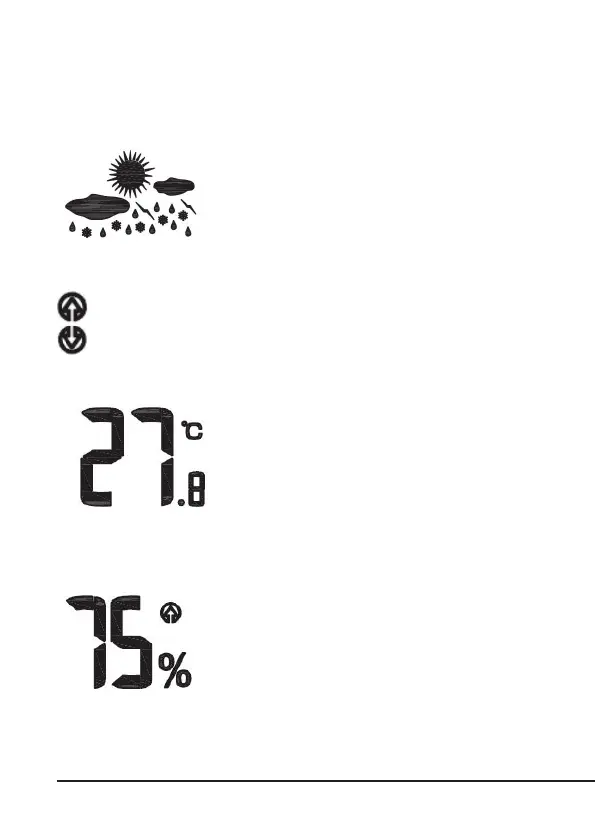
Weather pictograms:
The currently determined weather condions are
shown in the display of the weather staon.
Trend display:
The trend display increases or decreases if the humidity changes by ± 1°C
or ± 3%.
Indoor temperature display:
The indoor temperature is measured by the
base staon and is shown to an accuracy of
one tenth of a degree. The congured tem-
perature unit is displayed to the right of the
measured value. The temperature unit can be
changed between °C and °F. To do this, press
the "MAX/MIN" buon on the front of the
weather staon.
Humidity:
This display shows the current air humidity experien-
ced by the weather staon.



 To Next Page