Beats
x
Pill
+
Powerbeats
3
Wireless
Beatbox Portable
Pill 1.0, Pill 2.0
Powerbeats
2
Wireless
Studio Wireless
Wireless
If you still need help
If you hear distorted sound, learn how to troubleshoot audio issues with your Beats
speakers or with your Beats headphones or earphones.
Update the firmware of your Beats product
Share via Email(opens in new window)
Share via link(opens in new window)
Print
Use Beats Updater to keep your Beats wireless headphones, earphones, and speakers up to date with
the latest firmware.
Install Beats Updater
If you meet the following system requirements, download Beats Updater, then double-click
the downloaded file and follow the onscreen instructions.
Pill 2.0, Beats Pill
+
, Powerbeats
2
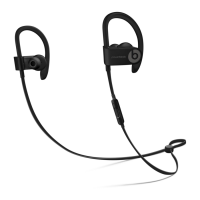
Wireless, Powerbeats
3
Wireless,
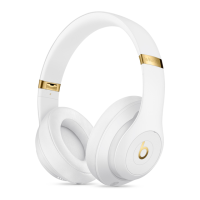
Studio Wireless, Studio
3
Wireless, Solo
2
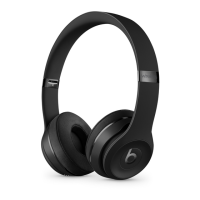
Wireless, Solo
3
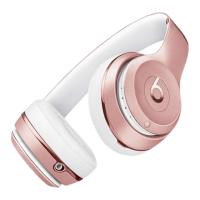
Wireless, or Beats
x
A recent version of Apple Safari, Google Chrome, Mozilla Firefox, or Microsoft Internet
Explorer
macOS Sierra 10.12 or later; or Windows 7 or later


 To Next Page