Check the sound settings
On your iOS device, go to Settings > Bluetooth and select your Beats.
On your Mac, choose Apple ( ) menu > System Preferences, click Sound, then select your
Beats product in the Output and Input panes.
On your PC, go to the sound settings and select your Beats as the playback/recording device.
Check the volume
Make sure that both your Beats product and your Bluetooth device are charged and turned on.
Play a track that you downloaded to your device, not streaming audio.
Increase the volume on your Beats product and on the paired Bluetooth device.
Use Forget Device, then pair your Beats again
Disconnect your Beats product.
On your iOS device, go to Settings > Bluetooth, tap the i next to the name of your
Beats product, then tap Forget This Device.
On your Mac, choose Apple ( ) menu > System Preferences, click Bluetooth,
select your Beats product, click the X, then choose Forget Device.
Pair your Beats product again.
Reset your Beats product, then pair them again
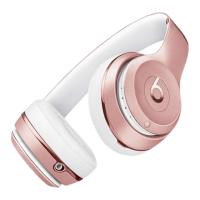
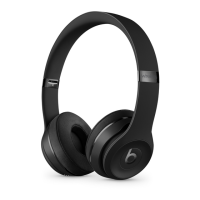
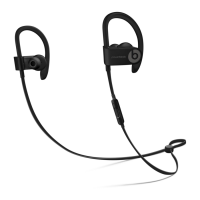
Reset your headphones, reset your earphones, or reset your speakers. Then pair your Beats
product with your device again.
Pair your Beats product
Follow the pairing instructions for your Beats product:
Studio
3
Wireless
Solo
3
Wireless


 To Next Page