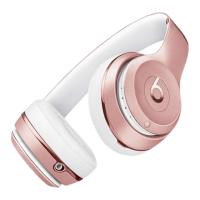
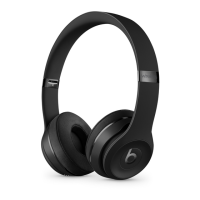
Reset Solo2 Wireless
Make sure your headphones are not plugged in to your USB charging cable.
Press and hold the power button for 10 seconds.
Release the power button.
All of the Fuel Gauge LEDs blink white, then one LED blinks red. This sequence happens
three times. When the lights stop flashing, your headphones are reset.
Reset Solo Wireless
Switch off the headset.
Hold the multifunction and volume down buttons for eight seconds.
The red and blue indicator lights alternate three times.
Other things you can try
Still having issues with your headphones? Try these things next:
Try using another power source or a different cable.
Learn about sound troubleshooting for headphones or Bluetooth troubleshooting.
Use the Beats Updater to get the latest firmware. If you have Solo
3
headphones that you set
up with an iPhone using iOS 10, you automatically receive the latest firmware.
Studio
3
Wireless Bluetooth
If you can't connect to your wireless Beats product
Here's how to troubleshoot the Bluetooth connection between your Beats product and your iPhone,
iPad, iPod touch, Mac, or other device.
Check the location
Place your Beats product and your paired device within 30 feet of each other. Move both
devices away from other Bluetooth devices, microwaves, wireless routers, and other
electronics.


 To Next Page