13
Connect
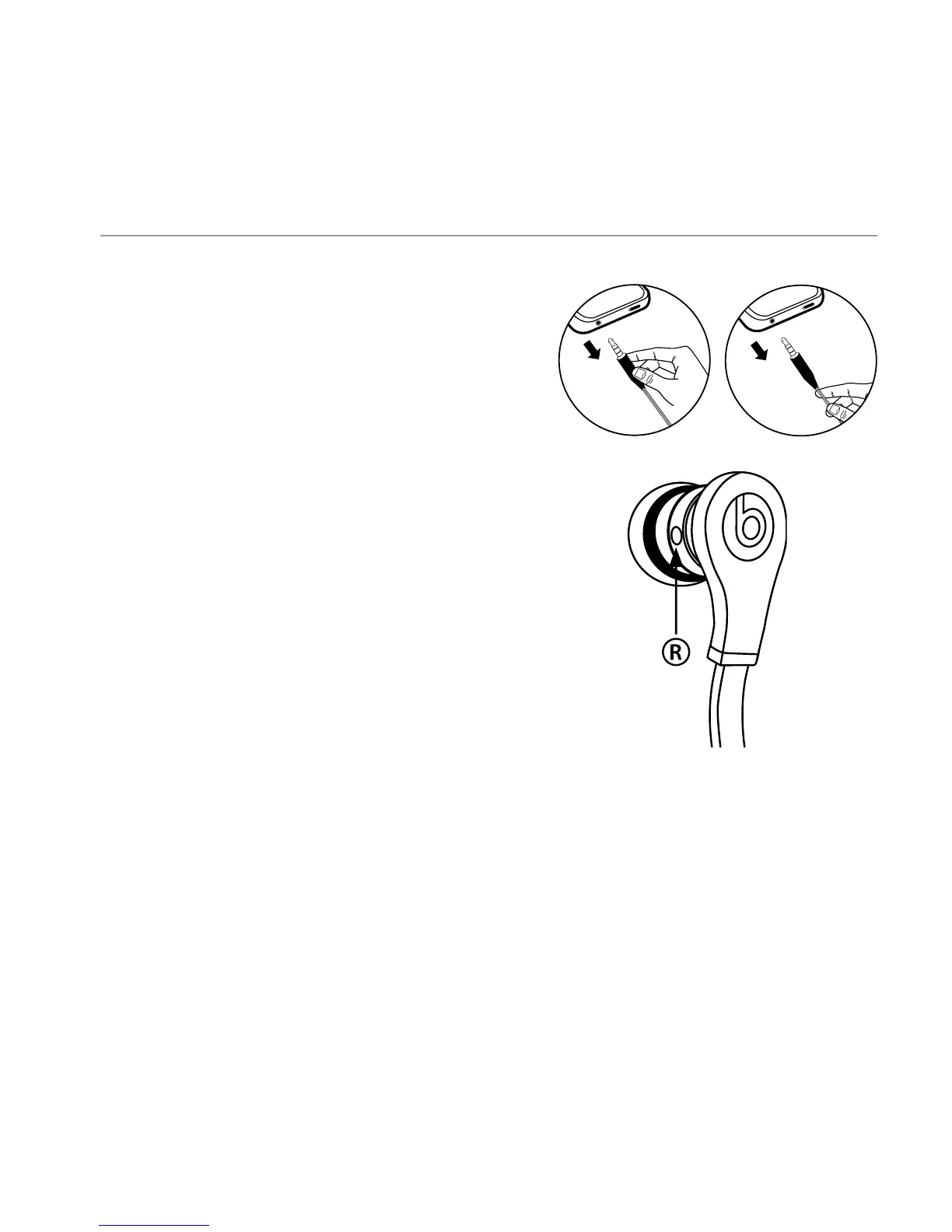
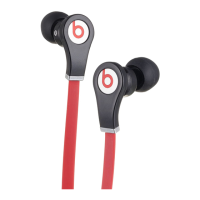
Plug the Tour cable into the 1/8” (3.5 mm)
stereo plug on your music player.
Listen
Turn down the volume on your music
player before inserting Tour headphones.
IMPORTANT: Left and Right Headphone:
Having the correct headphone side in
the correct ear does affect the listening
experience. Note the “L” and “R” markings
on the side of each headphone. “L” is for
the left ear. “R” is for the right ear. Excessive
listening levels can cause permanent
hearing damage. Avoid loud listening,
especially for extended periods of time.
Register Your Beats Today
www.beatsbydre.com/register
Yes
No
UK English
R


 To Next Page