10
Beaumont Smart Keybox
> 5. DELETING A USER CODE
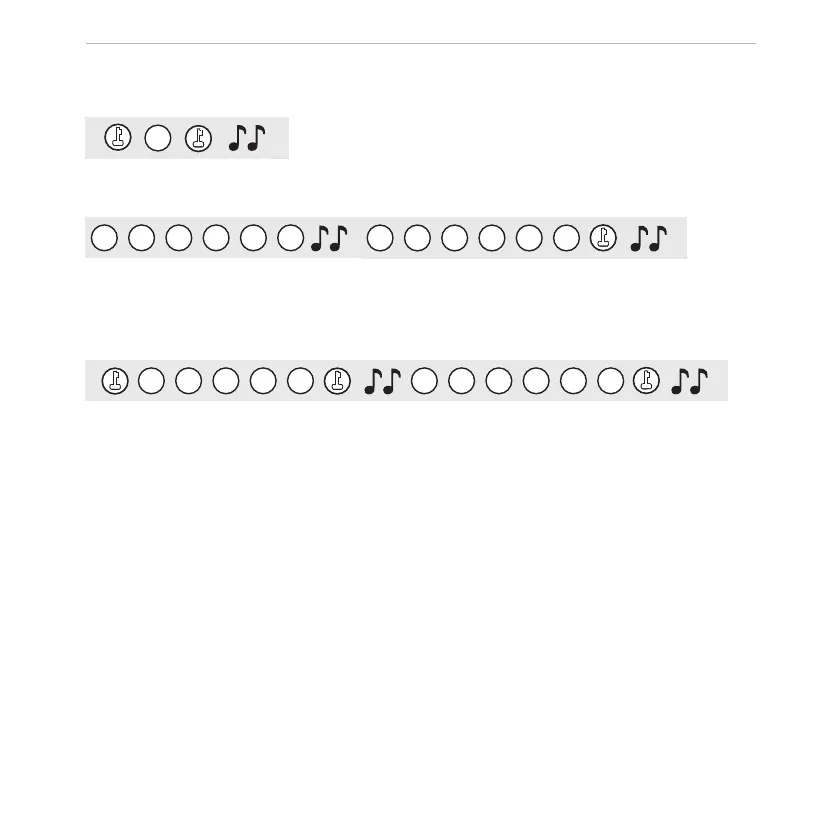
Push “enter/led” button, enter “2”, push enter/led button.
9
9
7
7
5
5
Enter manager code and user code to be deleted, push “enter/led” button.
> 6. DELETING ALL USER CODES
0
0
0
0
0
9
9
7
7
5
5
Push “enter/led” button, enter “00000” and “enter/led” button, then enter managercode and “enter/led”
button and wait for 3 seconds.
> 7. SYSTEM LOCKDOWN
The Smart Keybox will be blocked for 5 minutes after 5 wrong code entries.
> 8. RESET TO FACTORY MODE
It is possible to reset the Smart Keybox to factory mode. Press and hold the “Reset” button (page 6)
for 5 beeps and when you hear a short music, the device has been reset to factory mode.
2
1
1
3
4
5
5



 To Next Page