BeaverPad BP-100
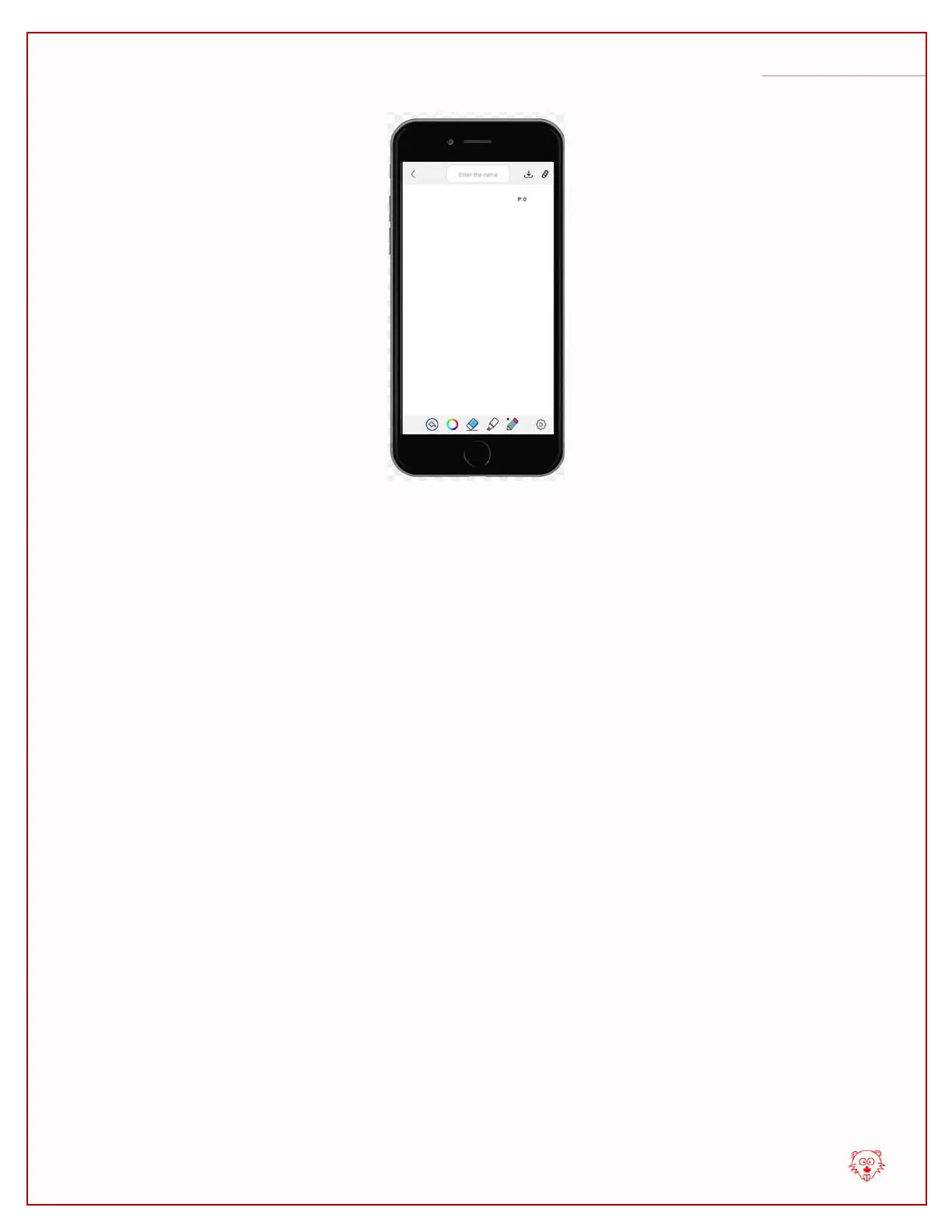
To initiate live syncronization, please bring the tip of the stylus pen close to the screen of
the BeaverPad without touching the screen. You will soon see a cursor appear on the
canvas of the eDraw app with the shape of a plus (+) sign. This means your Stylus pen
has been recognized and calibrated and you are ready to write in synchronization.
Now, if you write or draw something on the screen of the BeaverPad, you will see it
being syncrhonized on the screen of the eDraw app.


 To Next Page
 Loading...