BeaverPad BP-100
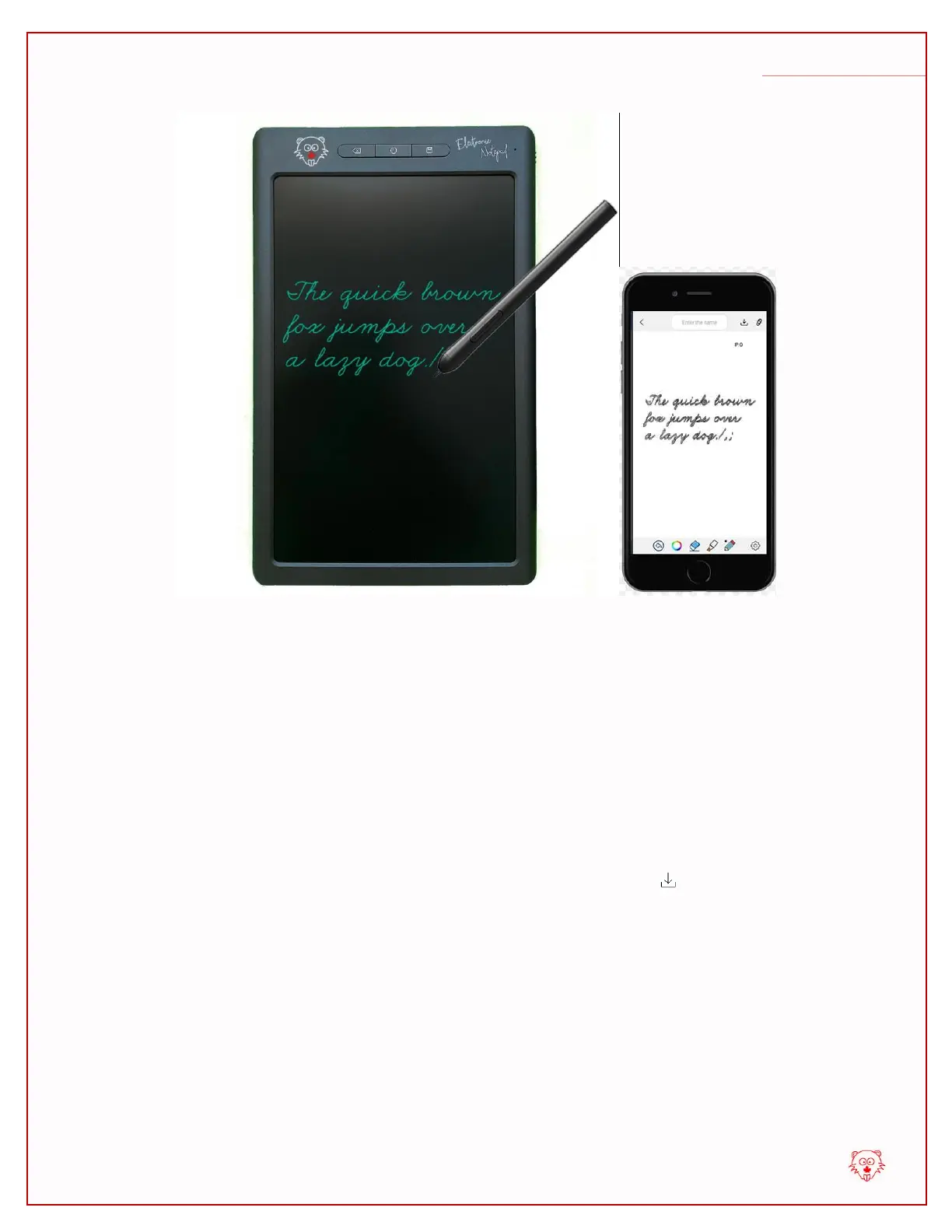
When you are done with your work, please press the save button on the BeaverPad for
3 seconds.This will save your drawing directly on the eDraw app’s gallery and give you a
fresh blank canvas on the eDraw app, and a fresh blank page on the BeaverPad’s
screen. If you haven’t given this sheet a name, you will be prompted to give it a name or
allow the app to produce one for you.
You may also save your work by tapping the save save icon on the eDraw app’s
screen. But with this method, the drawing will not be erased from the BeaverPad’s
screen.
Now, if you go back to the folder of the ‘iNotes’ menu, you will see the notes you just
saved.


 To Next Page
 Loading...