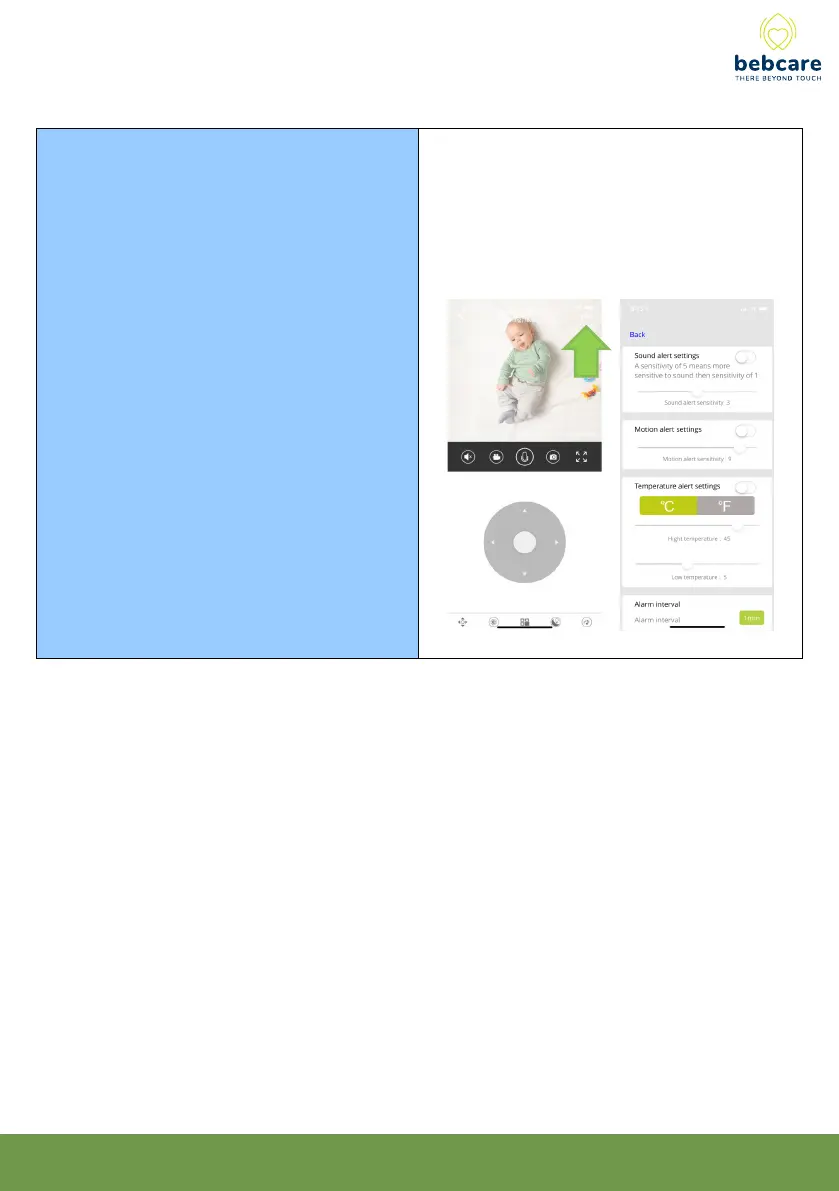
How to set
Sound,
Motion and
Temperature
Alerts
You configure sound, motion and temperature
alerts by pressing the “. . .” button at the top
right corner of camera view screen. Each alert
type can be individually turned on or off. You can
also configure the frequency at which the app
alerts you, so you do not get bombarded with
notification messages.
33



 To Next Page