37
Solution
- Short press hold buttom 21 on
sensor mat control box
- Adjust sensitivity using movement
sensitivity knob 20 such that the
movement indicator 19 blink in
pace with baby’s breathing
- Take immediate care of baby and
consult doctor
- Switch on sensor mat using
movement senitivity knob 20
- Replace with new battery
- Move BU closer to sensor mat
- Recharge battery using AC adapter
- Consult your dealer to change new
battery
- Switch off vibration alert(PU)
- Re-locate camera or PU
- Perform pairing process again
Possible Causes
- Baby is not in the crib
- Sensitivity of sensor mat is not
properly set
- Baby’s breathing is abnormal
- Sensor mat is off
- Battery of sensor mat is
running down
- Distance between BU and mat
exceed 10m
- Battery has run down
- Battery pack is damaged
- Vibration alert is swiched on
- Many steel structures between
Camera and PU
- Pairing is lost
Problem
Icon always show
flashing and alarm
heard
and always
show flashing
PU always showing low
battery alert
Battery life is short
Too short
communication
range
Camera & PU cannot
communication with
each other
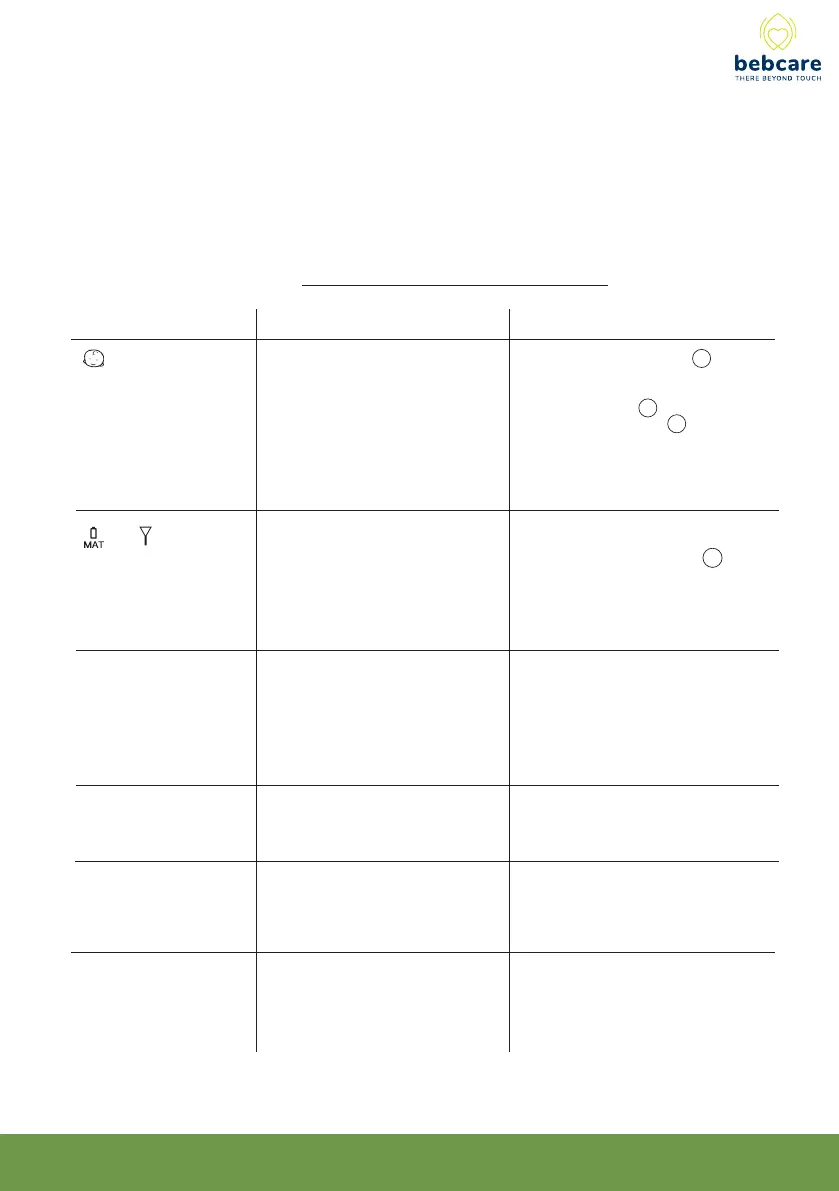
TROUBLE SHOOTING GUIDE



 To Next Page