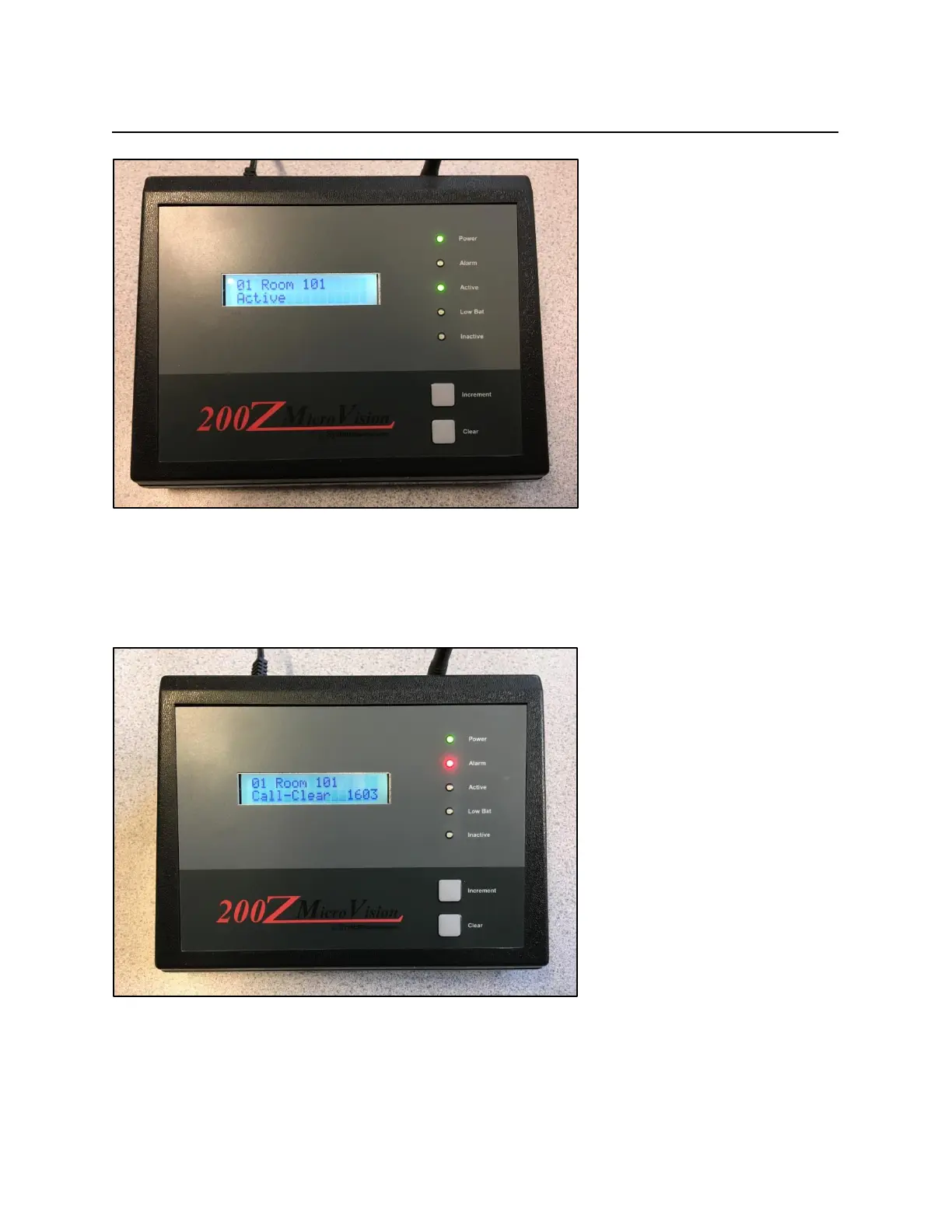
Front Display and Buttons_________________________________________________________
Pressing the Increment button will allow quick viewing of which rooms are currently
programmed into the MV200Z console. For active rooms, the Active LED will illuminate. Press
the Increment button to go through each room. When active room list has run out, the Inactive
LED will illuminate. Let the LCD screen sit for 10 seconds to revert back to home screen.
If the device in alarm is programmed as a Persistent Alarm, then to clear the alarm from the
MV200Z console the Increment button must be pressed. The LCD display will show a message
“Call-Clear” (see above). When this happens, press the Clear button. The alarm will clear from
the console.



 To Next Page