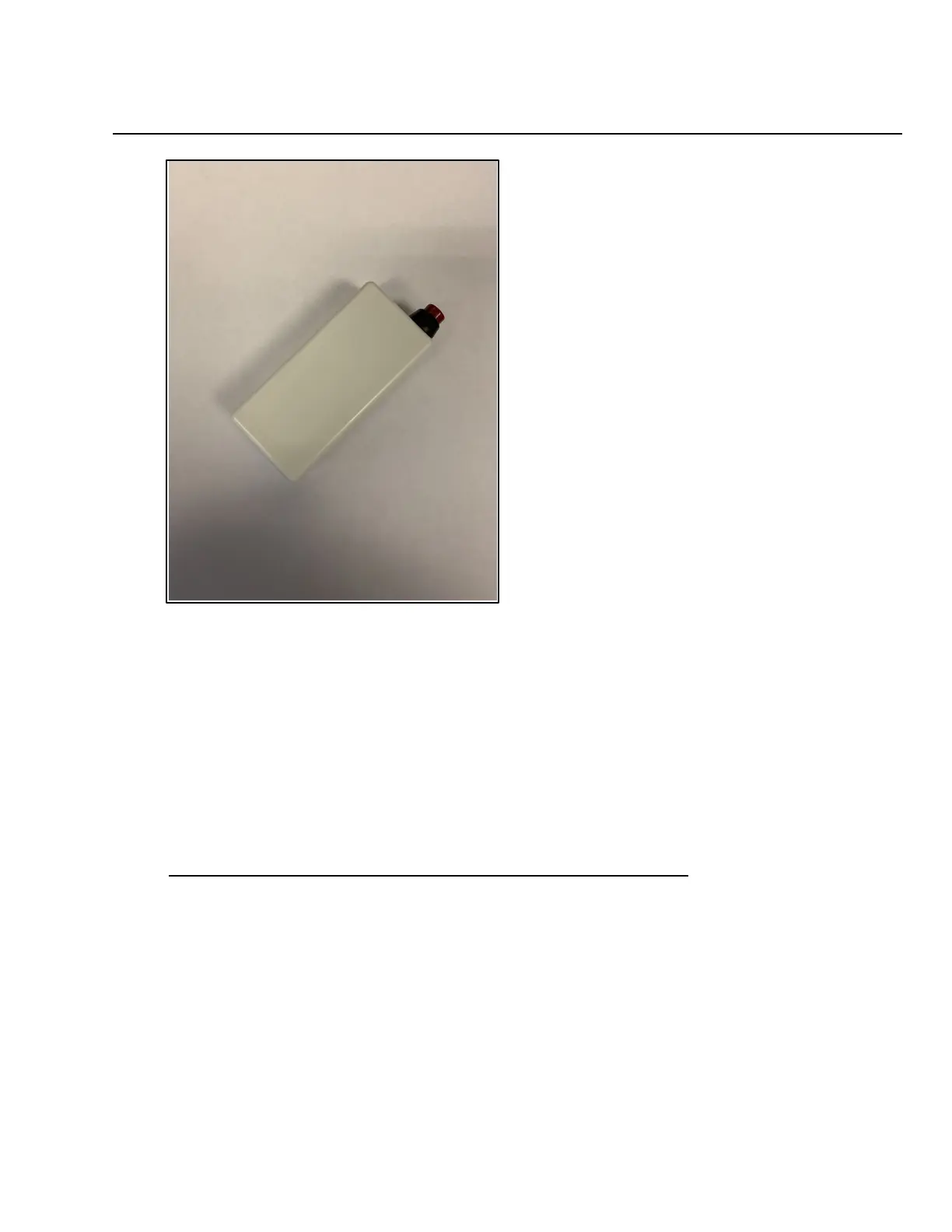
Push Button Stations____________________________________________________________________
If your MV200Z system was programmed by Systems Technologies, please refer to your
programming sheet when installing the pull stations. The programming sheet will tell you
which devices go into which rooms.
Installing Push Button Stations:
1. Remove pull station from packaging.
2. Remove blue battery tab from battery to power up the pull station.
3. Press the reset button on the back of the circuit board.
4. Check for ID sticker on the back of the pull station. This number will be programmed
into the software to associate it with a room. If your system is not already programmed,
take note of this ID and record which room you are installing it into.



 To Next Page