SELECT THE NETWORK CONNECTION
a. Wi-Fi connection (wireless mode)
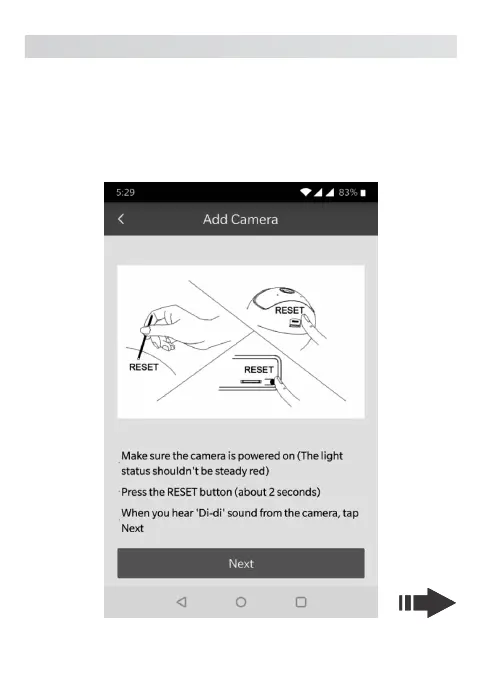
Click the Wireless Mode option and press the RESET button on the camera
to enter the Wi-Fi configuration mode. Connect your phone with desired Wi-
Fi, Input the Wi-Fi password and press next, the connection should be
successful. Enter the desired name to your Camera.
12



 To Next Page