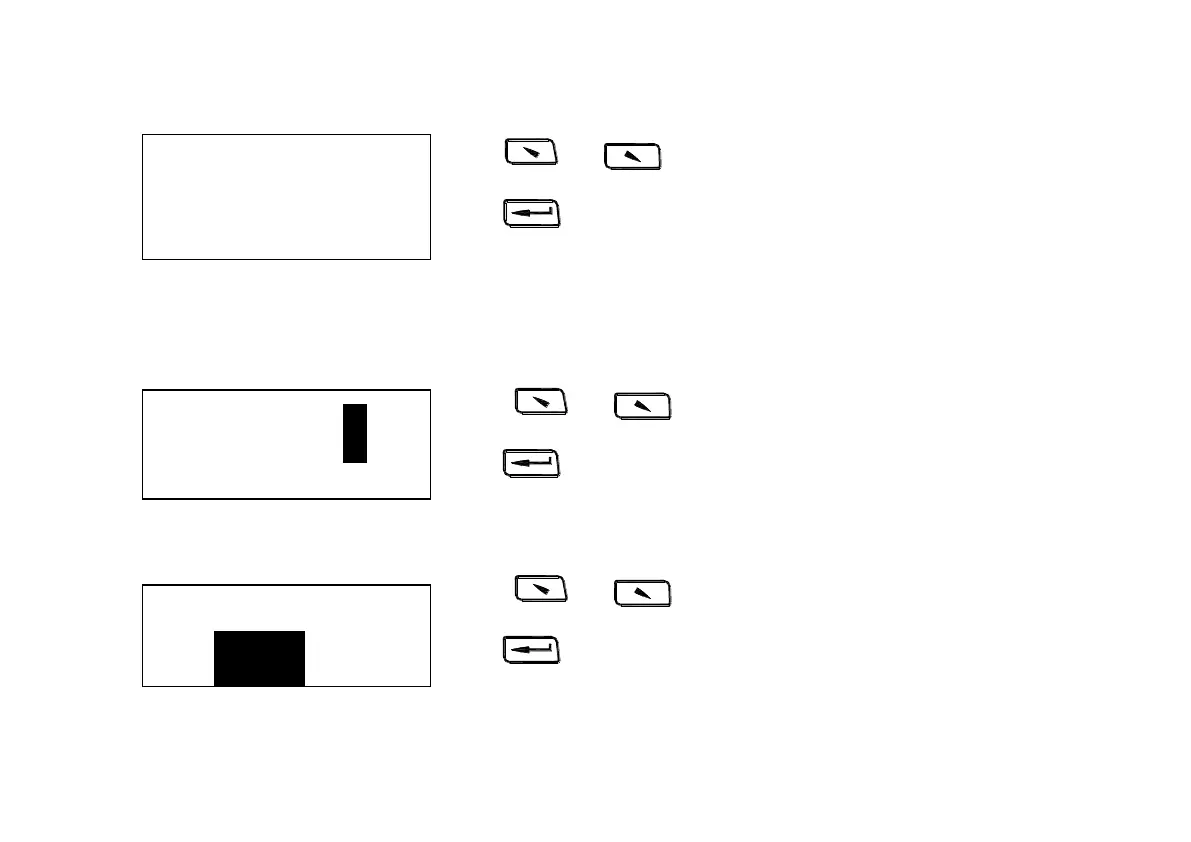
Press 、 to turn the page.
Press return to【Memory Manager】.
6.7.2 Delete file
Firstly please choose the file number to be deleted.
Press 、 to choose the file number.
Press enter confirm delete interface.
Press 、 to choose.
Press to confirm and return to【Memory Manager】.
No.01 789HL
No.02 517HL
No.03 788HL
No.04 522HL


 To Next Page