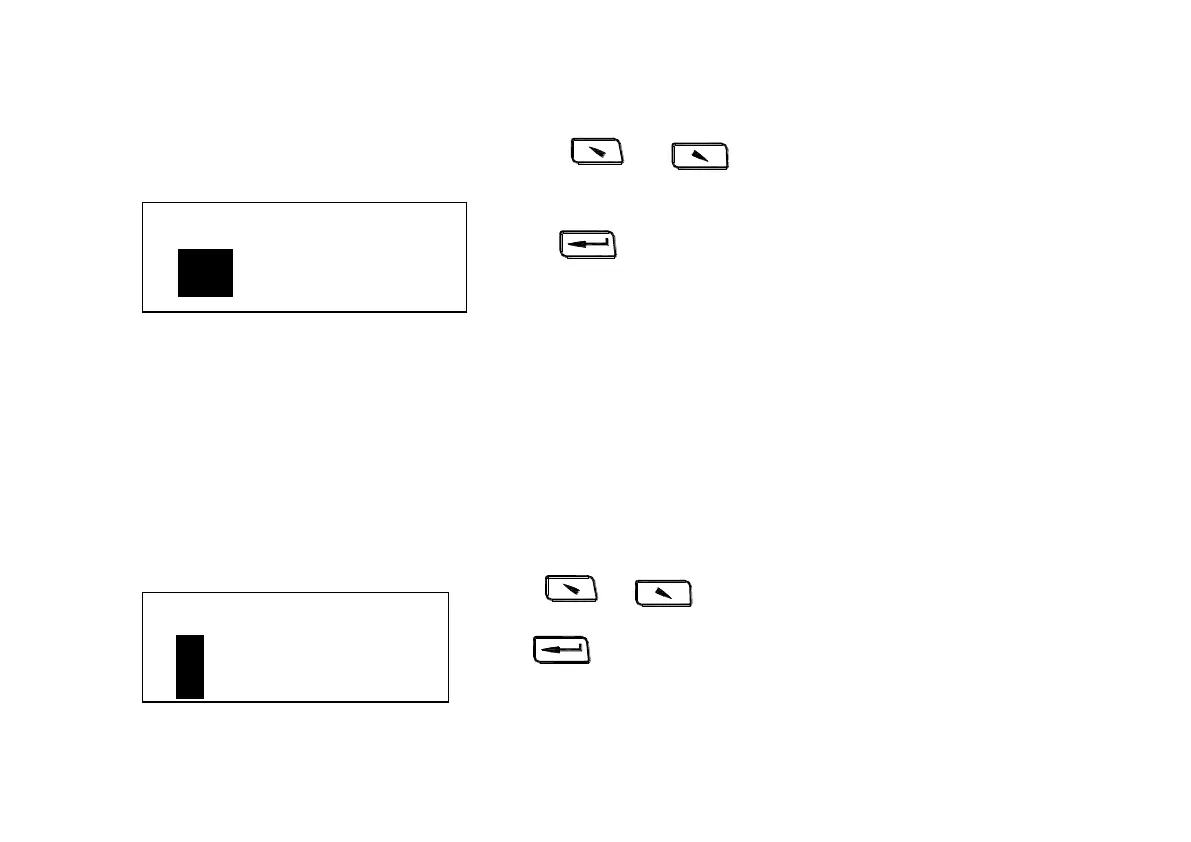
Press 、 to move the cursor to certain scale
to be set.
Press to finish and return to measuring display
interface.
Note
:
1.The hardness scales that displayed here only are
corresponding to the choose material.
2. Choose material firstly before choosing hardness
scale.
3. The hardness scale will come back to HL automatically
after material setting.
6.8.5 Upper and lower limit setting
Press 、 to move the cursor to the position of figure.
Press to move the cursor to next figure,the cursor will come
back to measuring display interface when moving to the last figure.


 To Next Page