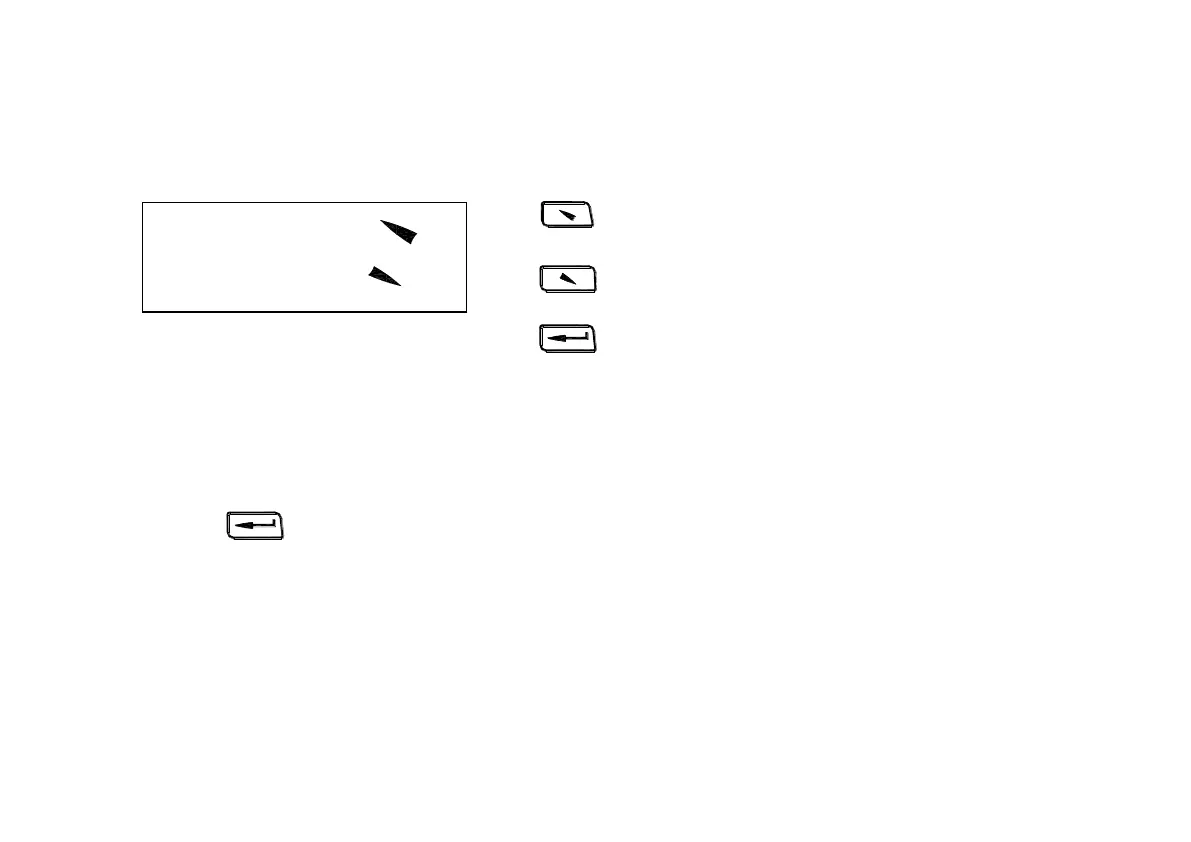
6.9.1 LCD brightness setting
Press to add the brightness.
Press to reduce the brightness.
Press to finish and return to measuring display interface
Note1
、
Bright means more brightness.
2
、
Dark means less brightness.
6.10 Software
Press to enter into main menu under measuring display interface.
Bright:Press[ ]
Dark: Press[ ]


 To Next Page