32 / EN
Fully Automatic Coffee Machine / User Manual
5.3 Empty System Function
The empty system functon s recommended to be used before long perod
of non-use, frost protecton and before talkng to repar agent.
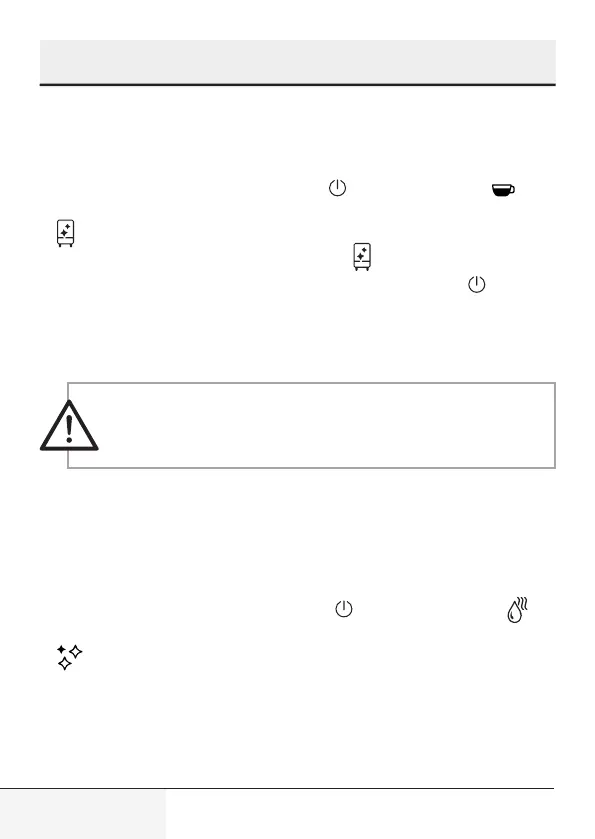
1. In standby condton, press and hold the and Espresso button to-
gether for 5 seconds.
2. wll then be flashng.
3. Remove the water tank from the applance. wll lght up stably nd-
cates that the empty system s under process. You can press before
removng the water tank to resume back to the standby condton.
4. When the empty system functon s completed, the applance wll
swtch off automatcally.
WARNING:
After perform EMPTY SYSYEM FUNCTION; press
the hot water button untl water can come out from spout
when the coffee maker s reused agan.
5.4 Manual Rnsng
You can perform a manual rnsng cycle to clean the coffee nozzle after
use. It s also suggested to perform a manual rnsng f the applance has
not been used for a long perod of tme.
1. In standby condton, press and hold the and hot water button
together.
2. wll flashng. The coffee nozzle will then dispense a small amount
of water which is used for the rinising.
5
Cleanng


 To Next Page