T24-V42(-V02)LON+T24-MP Operation and setting
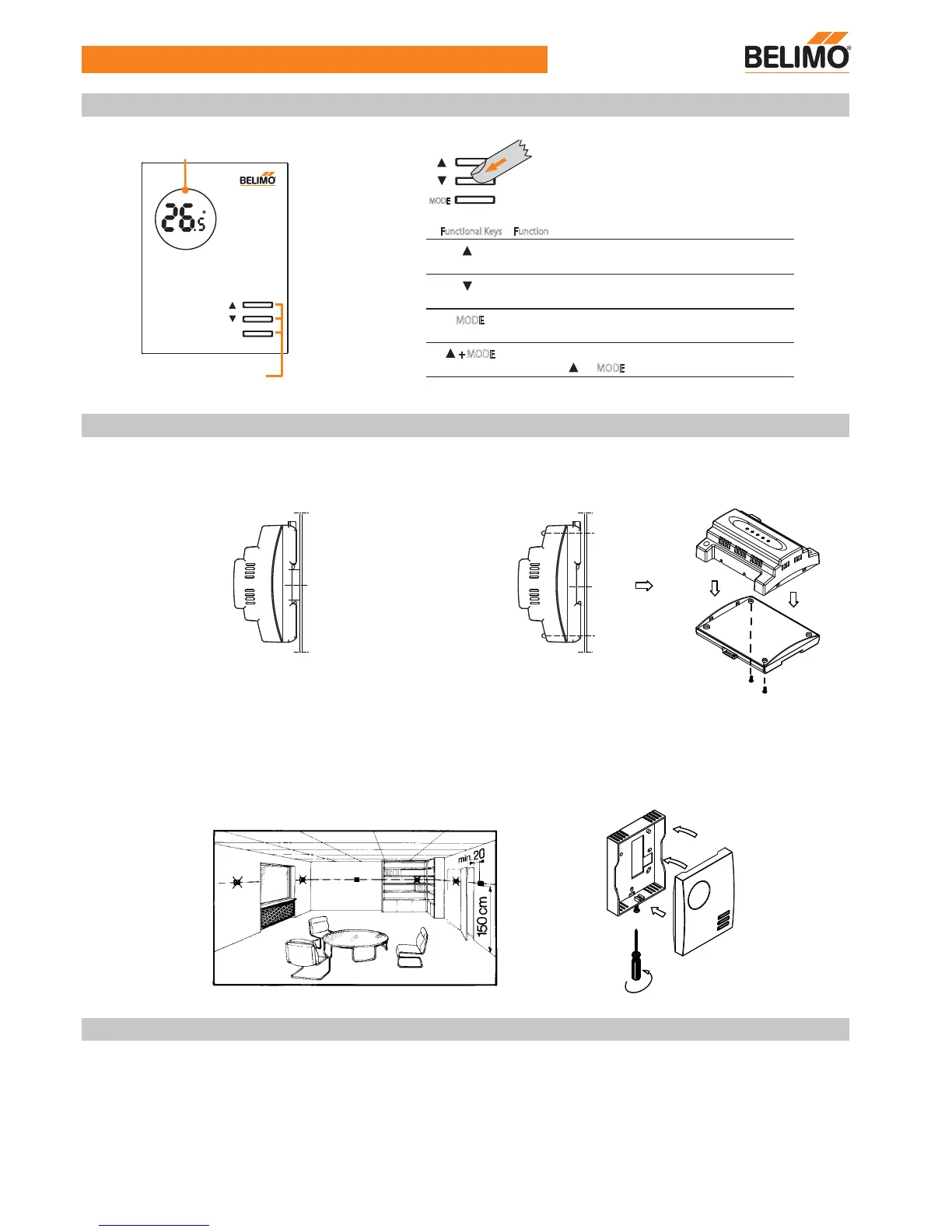
Principle of the functional keys of T24-MP
2
Mounting Notes
MODE
MODE
Functional Keys Function
+ MODE
Switch from “Normal mode” to “ Commissioning mode”
by pressing “ ”+ “ MODE
” for 5 seconds
Normal mode: Increment the temperature setpoint value
Commissioning mode: Adjust options of parameters.
Normal mode: Decrement the temperature setpoint value
Commissioning mode: Adjust options of parameters.
Standby mode or Normal mode selection.
Commissioning mode: Change parameters.
There are three functional keys on the cover of T24-MP,
the function of the buttons are listed as below.
MODE
C
ON
Functional keys
LCD display
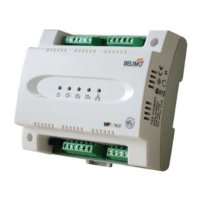
The T24-V42(-V02)LON control module can be mounted as follows:
Observe all local installation and mounting regulations.
Wall mounted with 2 screws
DIN rail (EN 50 022-35 x 7.5) at least 120 mm long
The T24-MP or TG-R10000 room unit can be mounted as follows:
Wall mounted. Not in niches or bookshelves, not behind curtains, above or near heat sources and exposed to direct solar
radiation. Mounting height is about 1.5 m above the floor. The connecting wires can be run to the controller from a recessed
conduit box.
The room control module is designed for AC 24 V operating voltage.
However, when mounting in an environment greatly exposed to EMI, use only shielded cables.
- The low voltage must comply with the requirements for safety extra-low voltage (SELV) as per EN 60730.
- Use safety insulating transformers with double insulation as per EN 60742; they must be designed for 100 % on-time.
- Supplying voltages above AC 24 V to low voltage connections may damage or destroy the control module.
- Wiring terminal: Fixed screw terminals, 0.5...1.5 mm .
Electrical Installation
2


 To Next Page
 Loading...