Belinea 10 19 10 - Operating Instructions - 6
ENGLISH
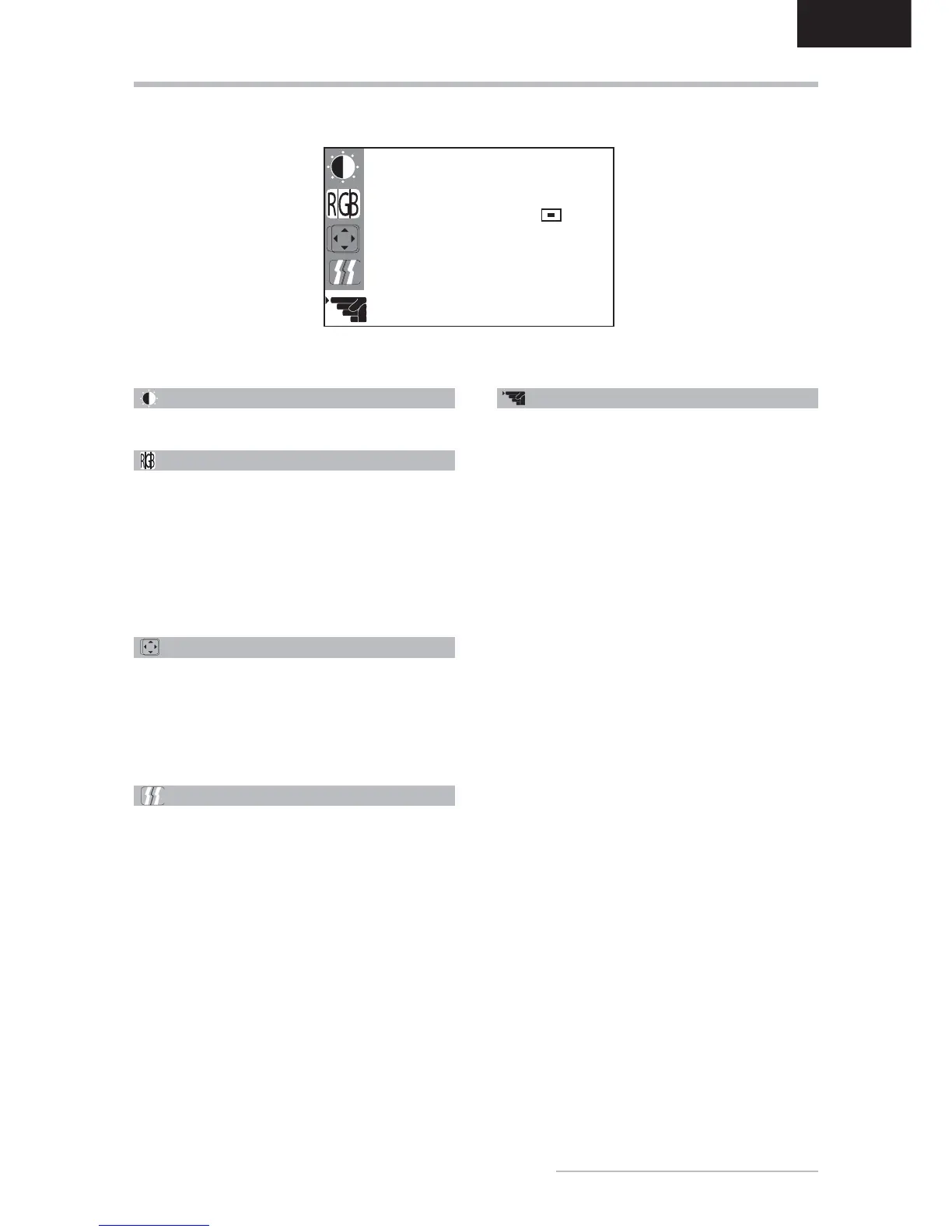
OSD MENU FUNCTIONS
Brightness/Contrast
Controls the picture’s contrast, brightness.
Color
Regulates the color temperature settings. Activate the
OSD window using the MENU button. Go to the COLOR
option by pressing the
or buttons. Press the
SELECT/AUTO button and
or to select R (red),
G (green) or B (blue). Then you can change the color
values using the
or buttons.
You can also choose one of the preprogrammed color
temperatures Cool, Warm or sRGB (D65).
Position
Regulates the horizontal and vertical position of the
image. Activate the OSD window using the MENU button.
Go to the POSITION option by pressing the
or
buttons. Use the SELECT/AUTO button and
or
to set the vertical position and
or to set the hori-
zontal position.
Tracking
Clock: Sets up the internal clock. Larger values make
the displayed image appear wider; smaller values make
it appear compressed.
Phase: Adjusts the internal clock’s time lag in order to
optimize the screen image.
Other
Displays the current graphic resolution including vertical
frequency as well as letting you choose from among the
following settings:
Language: Selects the OSD menu language: English,
German, French, Spanish, Italian, Dutch, Polish,
Russian.
OSD Position: Controls the OSD menu’s position.
Input: Controls the selection of the input signal. The
monitor allows you to make the following connections:
analog graphics card via the D-Sub interface (see fi g.
2a), digital graphics card via the DVI-D-interface (see
fi g . 2 b ) .
Information: There is an optional OSD window (On/
Off) that displays the newly adjusted screen resolution
settings.
Reset: Restores factory display settings.
Resolution Notice: The optimum resolution for this
monitor is 1280 × 1024.
OTHER
LANGUAGE ENGLISH
OSD POSITION
INPUT ANALOG
INFORMATION OFF
RESET RUN
1280x1024@60 Hz
PRESET MODE



 To Next Page