Page
Introduction ......................................................................................... 2
Safety Precautions ............................................................................ 3
Package Contents .............................................................................. 4
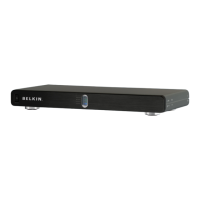
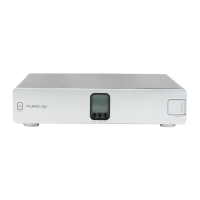
Power Console Features .................................................................... 5
Hookup and Installation
Step 1 Mounting your Power
(optional) Console ................................................................ 7
Step 2 Program the Outlet Banks .............................. 8
Step 3 Connect Digital Components to
Digital Filter 1 and Digital Filter 2
(Bank 01 and Bank 02) ................................... 10
Step 4 Connect Video Components to
the Video Filter (Bank 03) .............................. 11
Step 5 Connect Audio Components to
Audio Filter 1 and Audio Filter 2
(Bank 04 and Bank 05) .................................. 12
Step 6 Connect High-Current Audio Filter
(Bank 06) .......................................................... 13
Step 7 Connect your Coaxial-Cable/DSS Lines ...... 14
Operation .....................................................................................
15
Troubleshooting ........................................................................... 17
Glossary of Power Terms ........................................................... 19
Belkin Connected Equipment Warranty ...................................
20



 To Next Page